See the Markdown file behind the wait
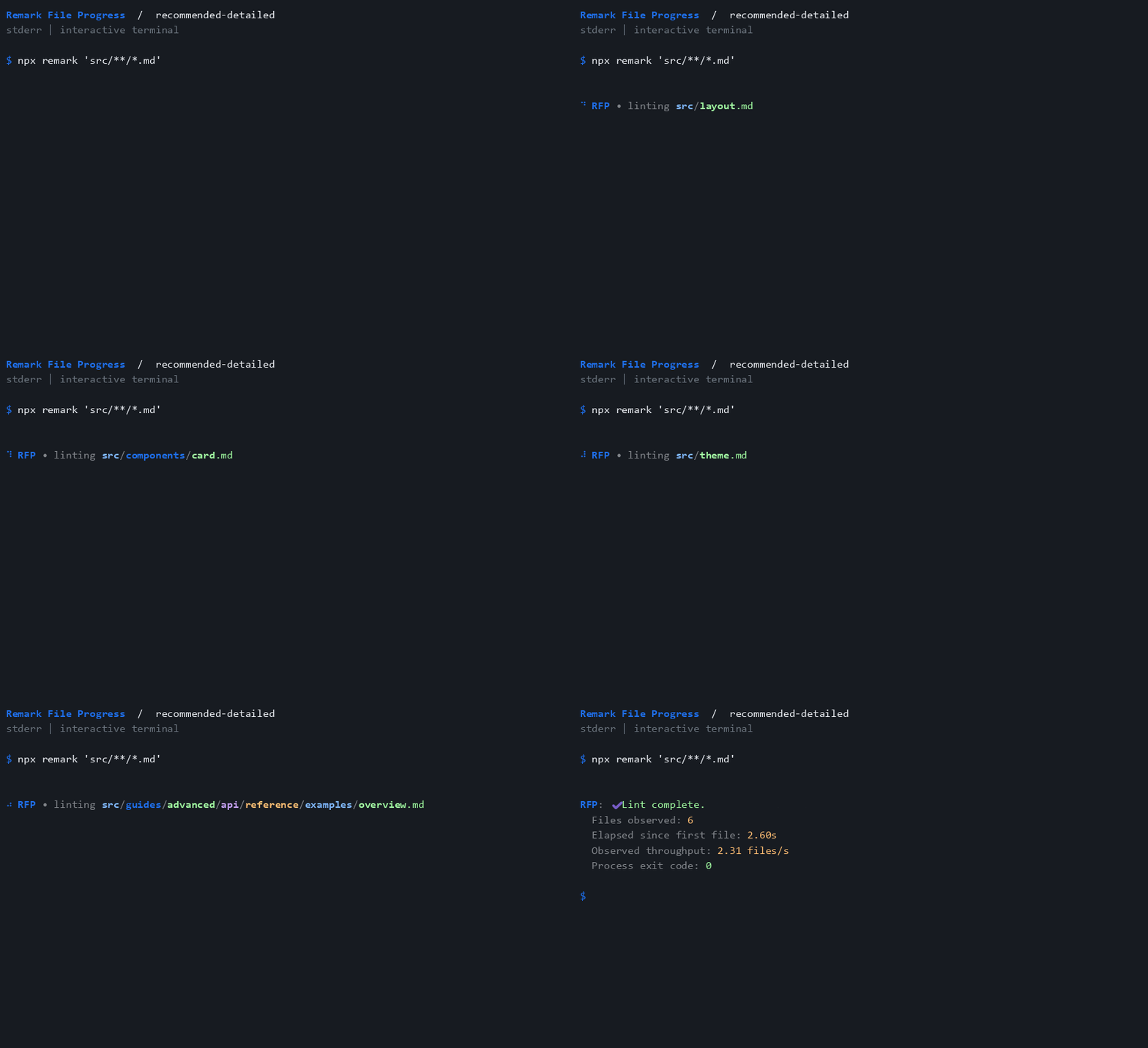
Remark File Progress shows files as they reach its native unified transformer. Follow filenames in an interactive terminal, switch to compact activity, or show only a process summary.
Install the plugin
Install the plugin and remark CLI in your project:
npm install --save-dev remark-cli remark-lint-file-progress
Add the recommended preset to your remark configuration:
import recommended from "remark-lint-file-progress/configs/recommended";

export default recommended;
Existing unified presets compose through plugins: [existingPreset, recommended]. Run npx remark README.md --frail --no-stdout to check Markdown. The plugin leaves messages, Markdown output, and exit status under remark's control.
Pick your display
- Watch the colored demos: all presets, options, and spinner styles.
- Configure progress: filenames, streams, marks, frames, and throttling.
- Choose a preset: seven configurations matching the progress plugin family.
- Understand the metrics: process summaries, skipped files, and custom syntax.
- Develop the plugin: local checks, clean consumers, and generated docs.
Default progress goes to stderr, leaving Markdown and JSON tree output on stdout untouched. Reporters also normally write to stderr; hide progress when you need that stream to contain only a machine-readable report.