Native unified plugin
One transformer. Your existing Markdown, messages, and output.
A little clarity for every lint run
remark-lint-file-progress
See the Markdown file behind the wait. Live filenames and configurable process summaries for Remark, with terminal colors from picocolors.
One transformer. Your existing Markdown, messages, and output.
File, compact, and summary modes, with CI and TTY presets.
Observed files, elapsed time, and throughput at shutdown.
Start here
Install the plugin and add a preset to your existing Remark configuration.
Install & configure →Compare seven presets, from everyday filenames to a quiet CI summary.
Compare presets →Explore paths, spinner styles, streams, messages, and display thresholds.
Explore the options →1 observational transformer
7 ready-to-use presets
17 display options
31 terminal demos
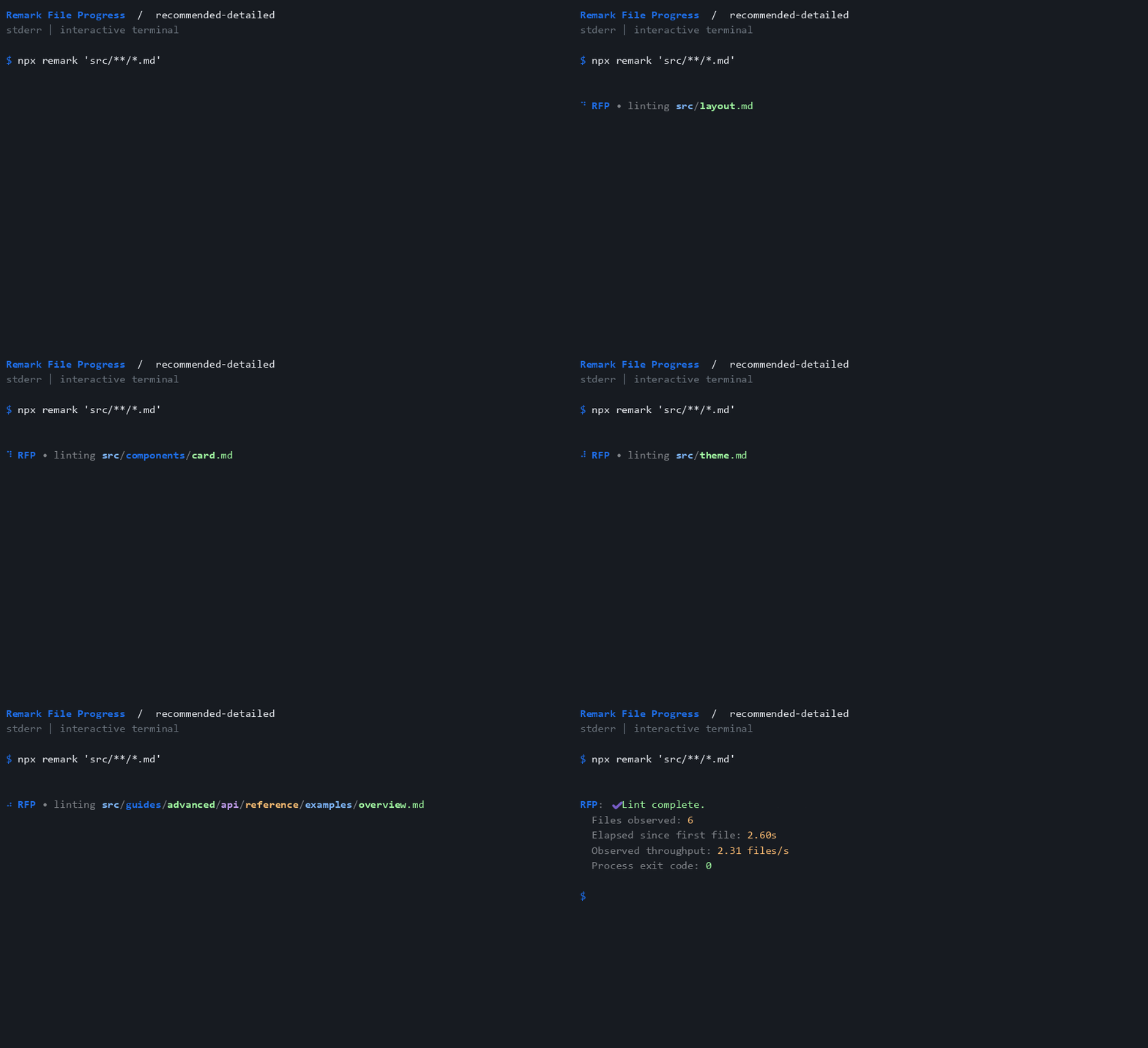
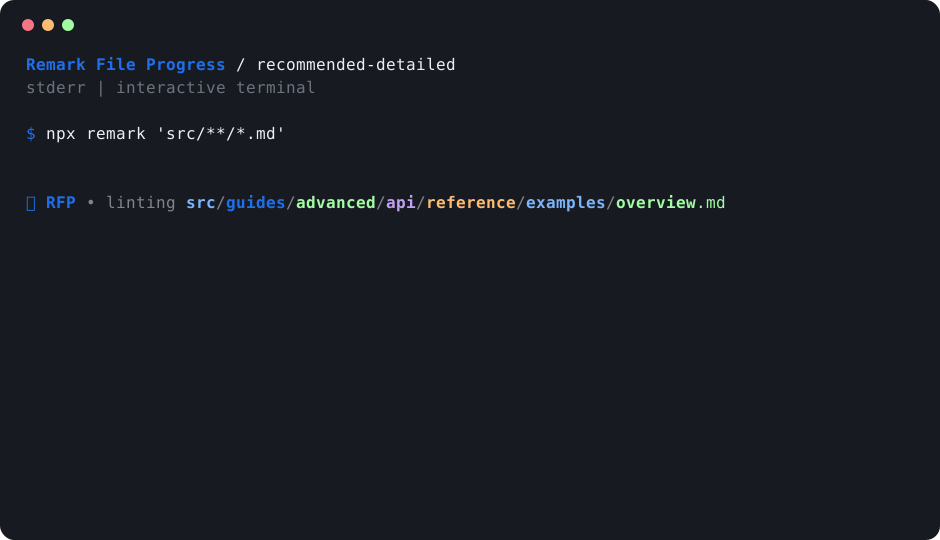
A look inside your terminal
Choose readable filenames while Remark works, then see observed file counts, elapsed time, and throughput in a single process summary.
Interactive files update the same terminal block when its position is known. Spinner frames advance with file events, while reporter writes remain visible.
Explore all 31 recordings →Timings in these reproducible demos illustrate process metrics. What does a file event mean?
Seven ways to show progress
Show each file using the default display options.
View config & demo Quiet in CIHide all plugin output when CI is exactly true.
View config & demo CI with a summaryHide live output in CI while retaining the detailed process summary.
View config & demo Compact activityShow generic activity without filenames; redirected output announces it once.
View config & demo Detailed progressShow filenames and the detailed process summary.
View config & demo Summary onlyShow only the final process summary.
View config & demo Interactive terminalsShow output only when stderr is an interactive terminal.
View config & demoReady when you are
Add the progress preset after your existing configs. Your lint rules and Markdown transforms continue to work as usual.
npm install --save-dev remark-cli remark-lint-file-progress
import recommended from "remark-lint-file-progress/configs/recommended";

export default recommended;
Part of the same toolkit
Explore the ESLint and Stylelint counterparts, shared remark config, and the inspectors behind this project.