Colored terminal demos
These deterministic recordings use the plugin's actual display controller. File events arrive at fixed intervals to make behavior reproducible; the timings illustrate process-wide metrics and do not measure individual file completion. Spinner frames advance with file events, replacing the previous progress block in an interactive terminal. Redirected output uses complete lines.
Animated GIFs follow the presentation used by eslint-plugin-file-progress-2. For a still image, see the static terminal poster. The casts preserve selectable terminal text and ANSI colors.
Jump to presets, options, or recording instructions. Choose a preset or review the option defaults while comparing output.
Presets
recommended
Show each file using the default display options.
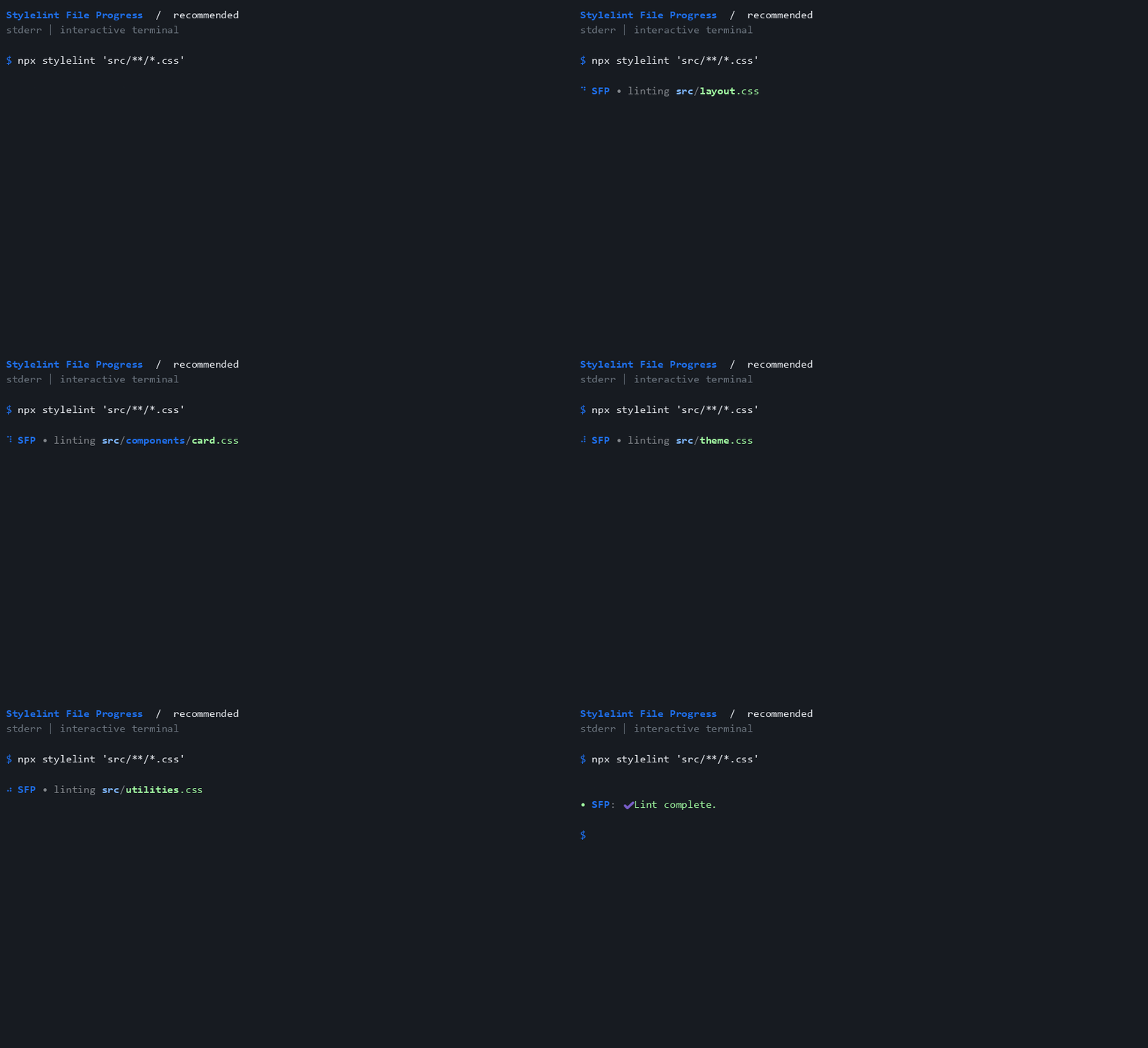
Preset configuration · Terminal cast
recommended-ci
Hide all plugin output when CI is exactly true.

Preset configuration · Terminal cast
recommended-ci-detailed
Hide live output in CI while retaining the detailed process summary.
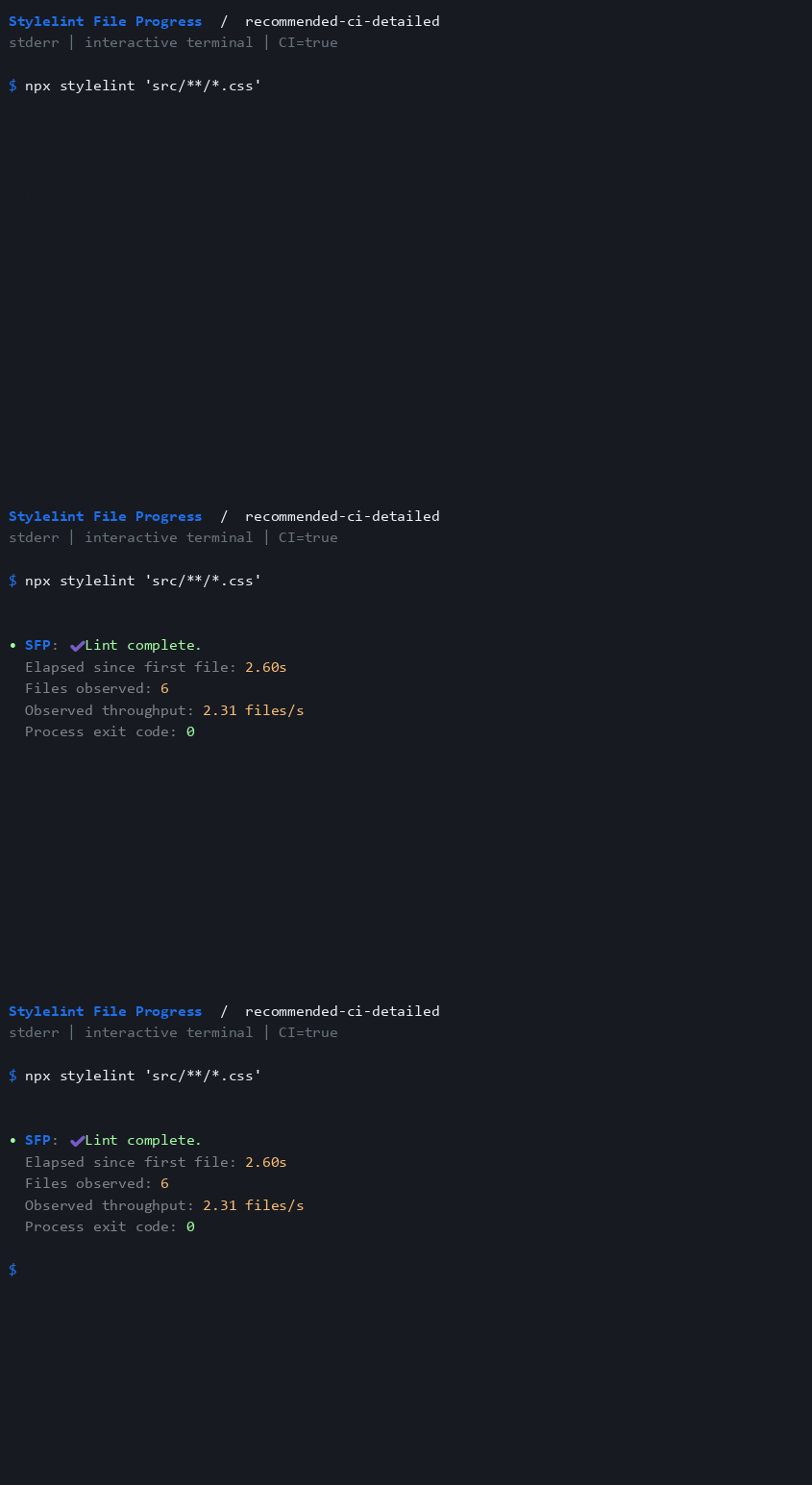
Preset configuration · Terminal cast
recommended-compact
Announce generic activity once, without showing filenames.
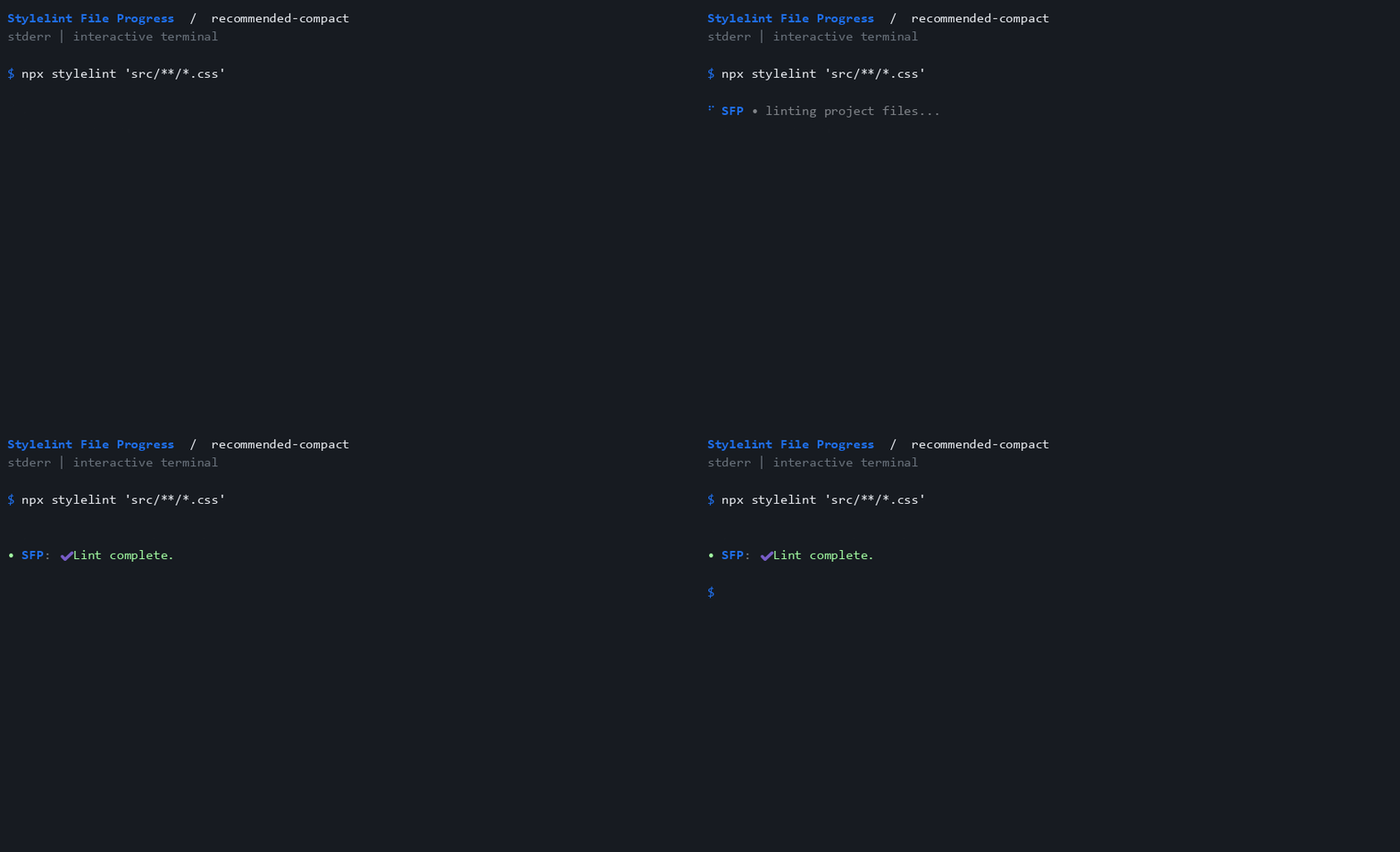
Preset configuration · Terminal cast
recommended-detailed
Show filenames and the detailed process summary.
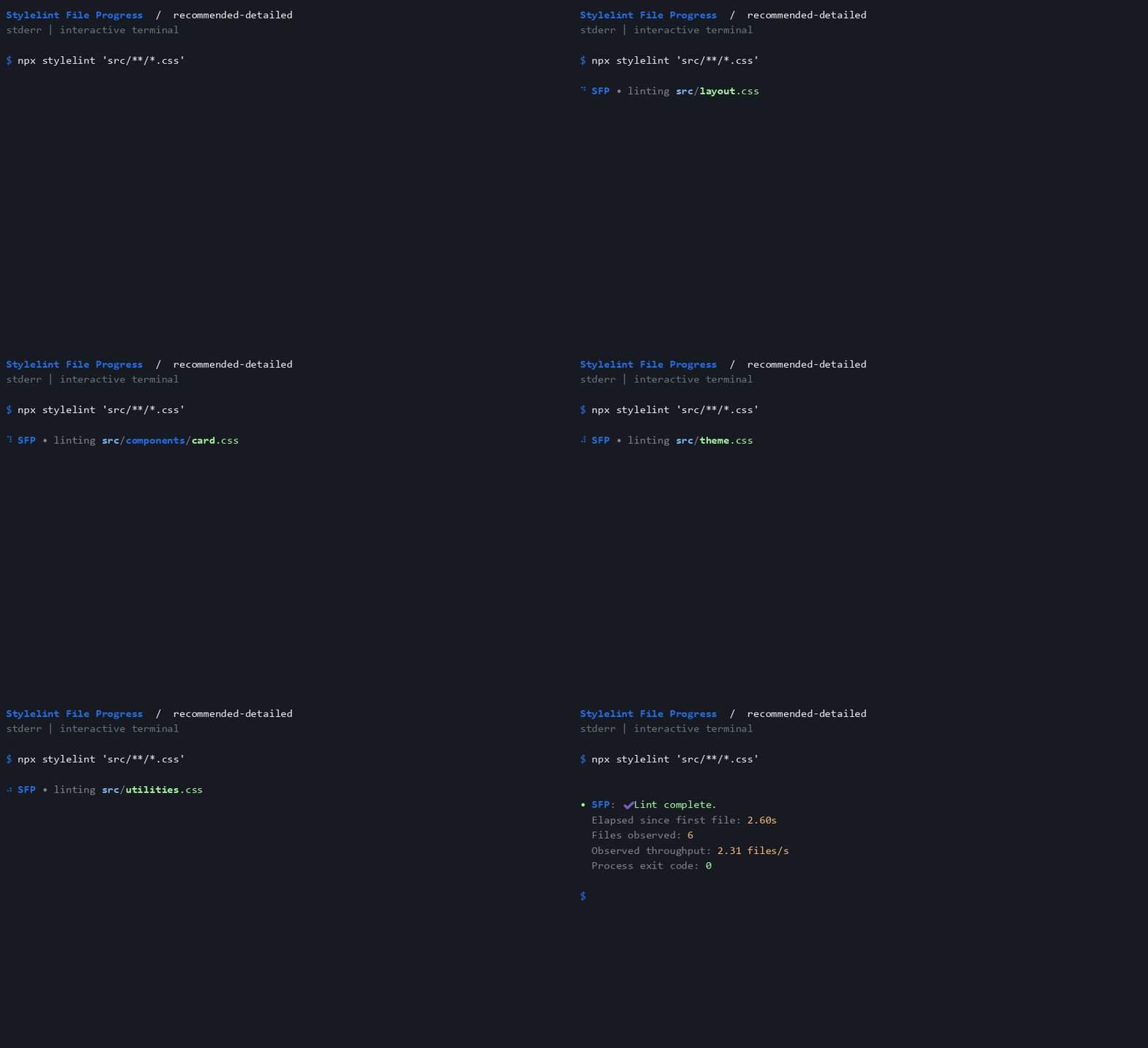
Preset configuration · Terminal cast
recommended-summary-only
Show only the final process summary.
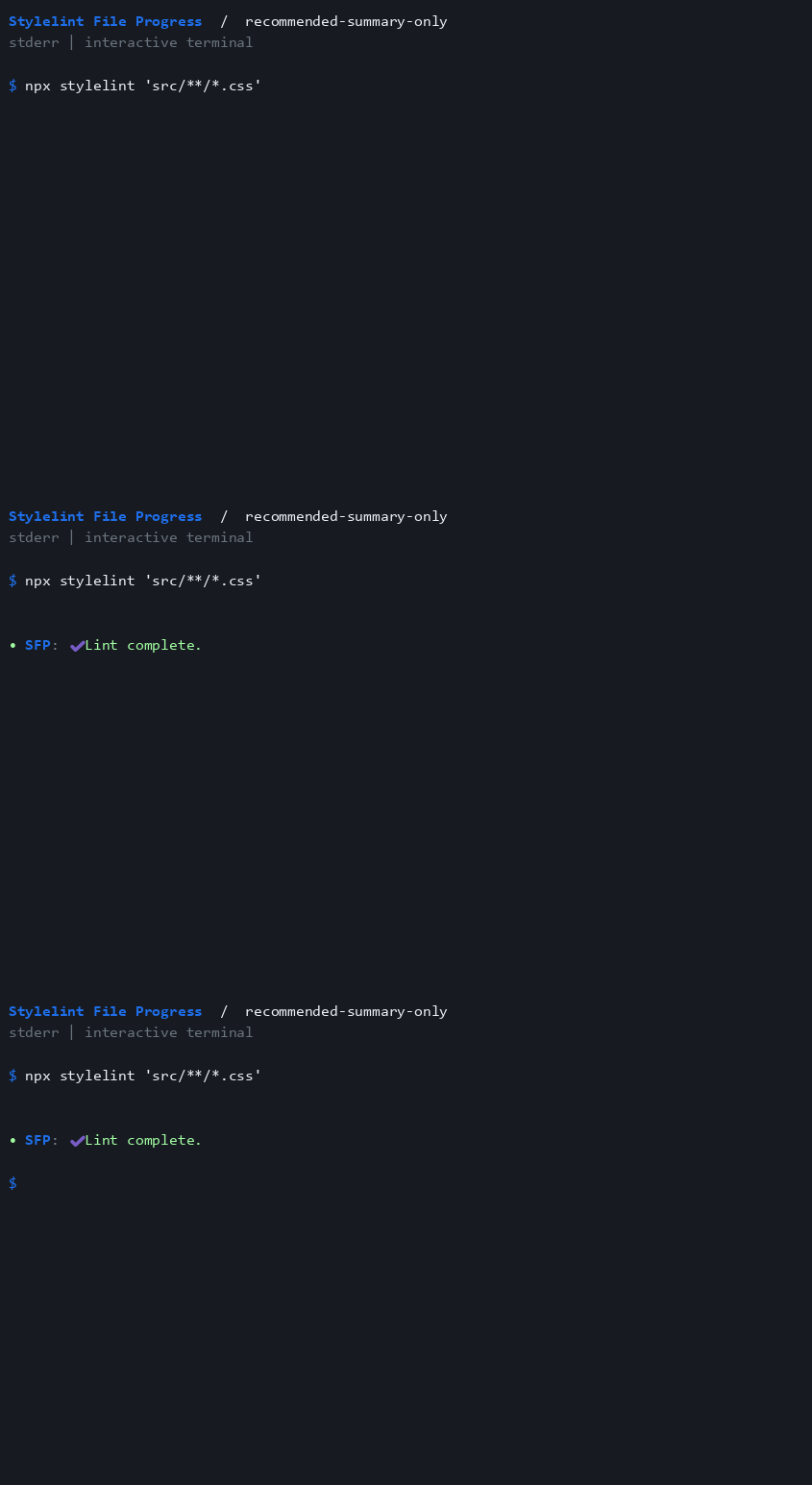
Preset configuration · Terminal cast
recommended-tty
Show output only when stderr is an interactive terminal.
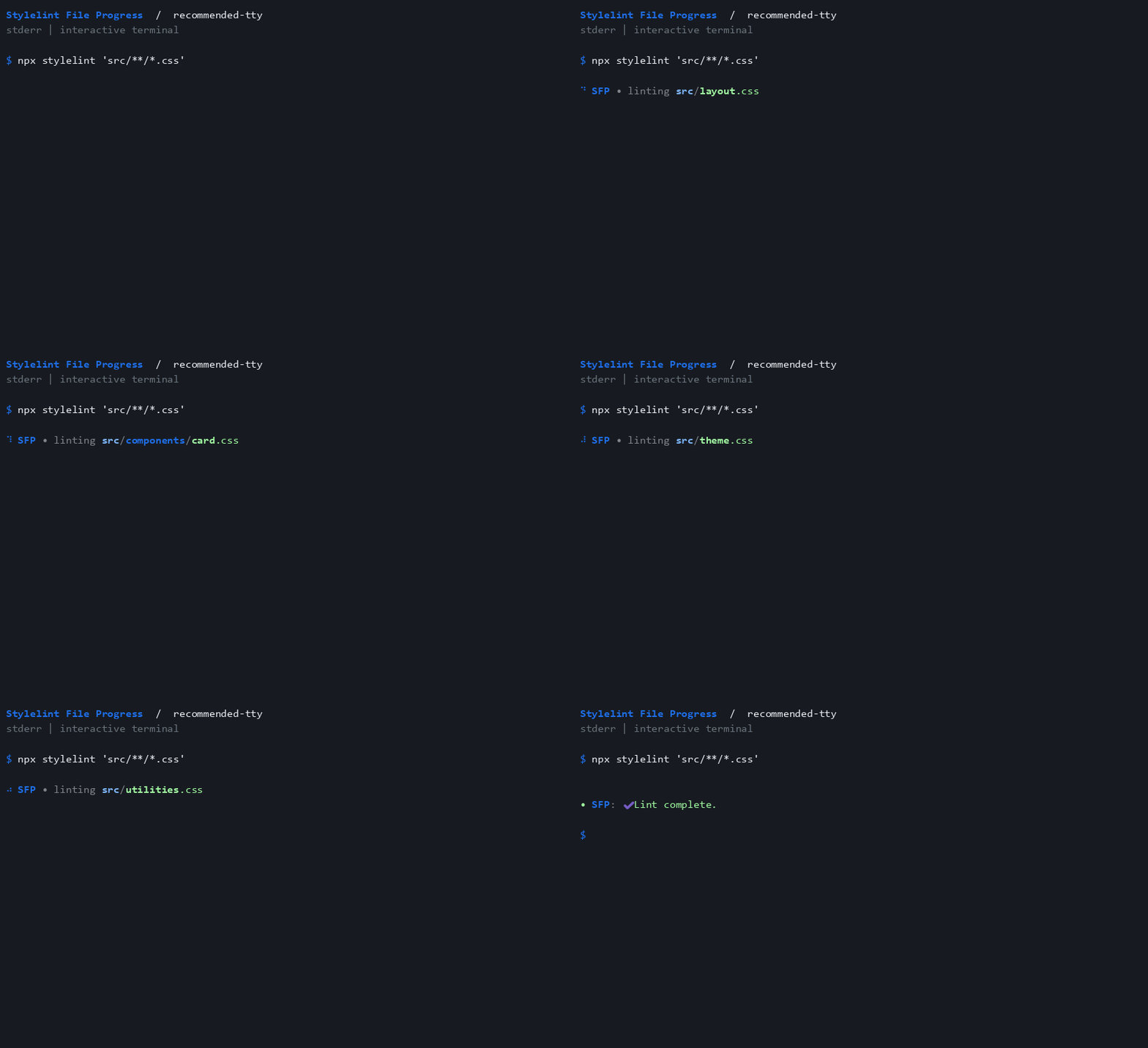
Preset configuration · Terminal cast
The two CI recordings use CI=true; recommended-tty uses an interactive stderr stream.
Options
Add these secondary options to the rule: rules: { "file-progress/activate": [true, options] }.
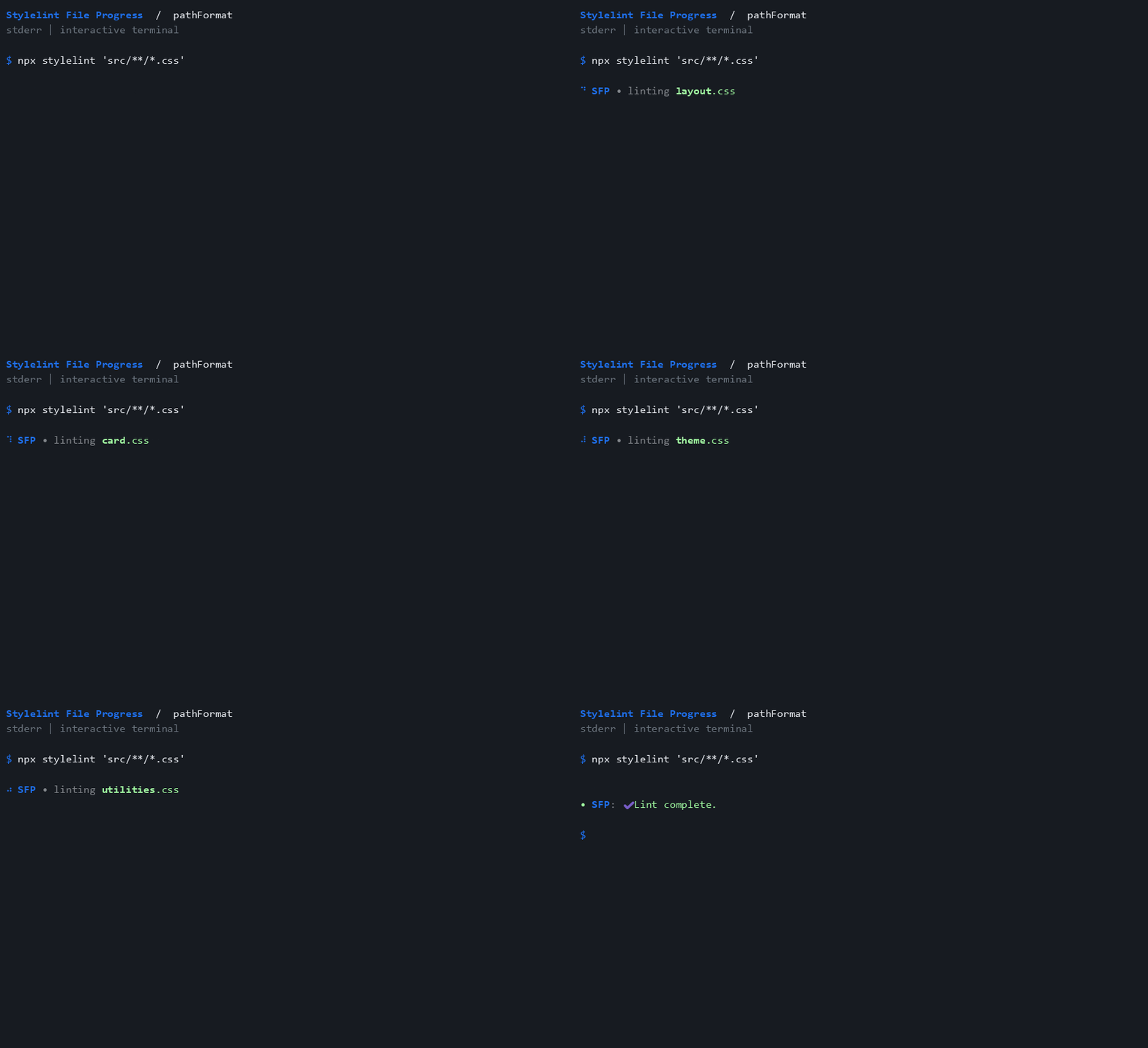
pathFormat
Show basenames instead of relative paths.
{
 "pathFormat": "basename"
}
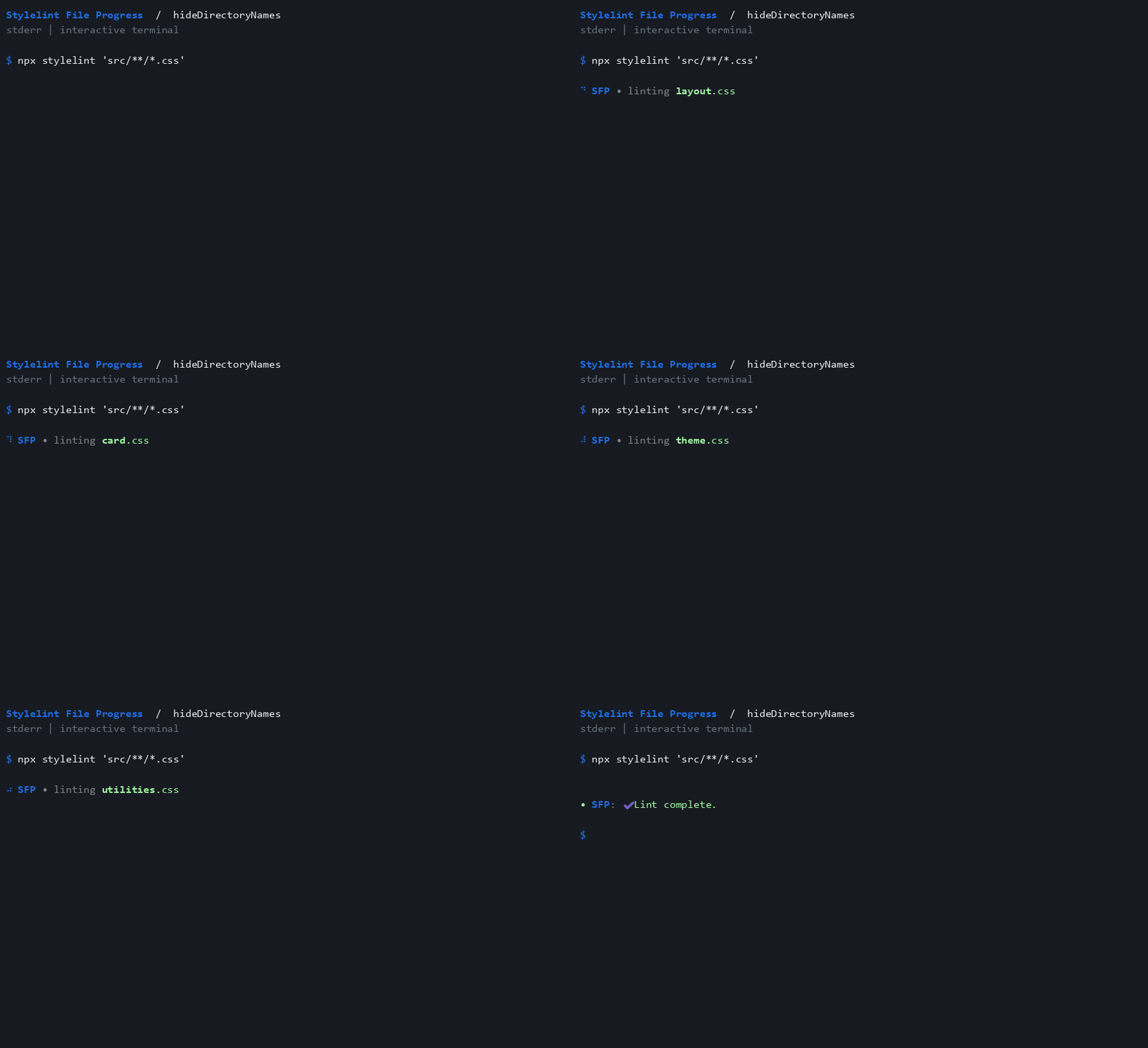
hideDirectoryNames
The deprecated alias still selects basename paths; prefer pathFormat.
{
 "hideDirectoryNames": true
}
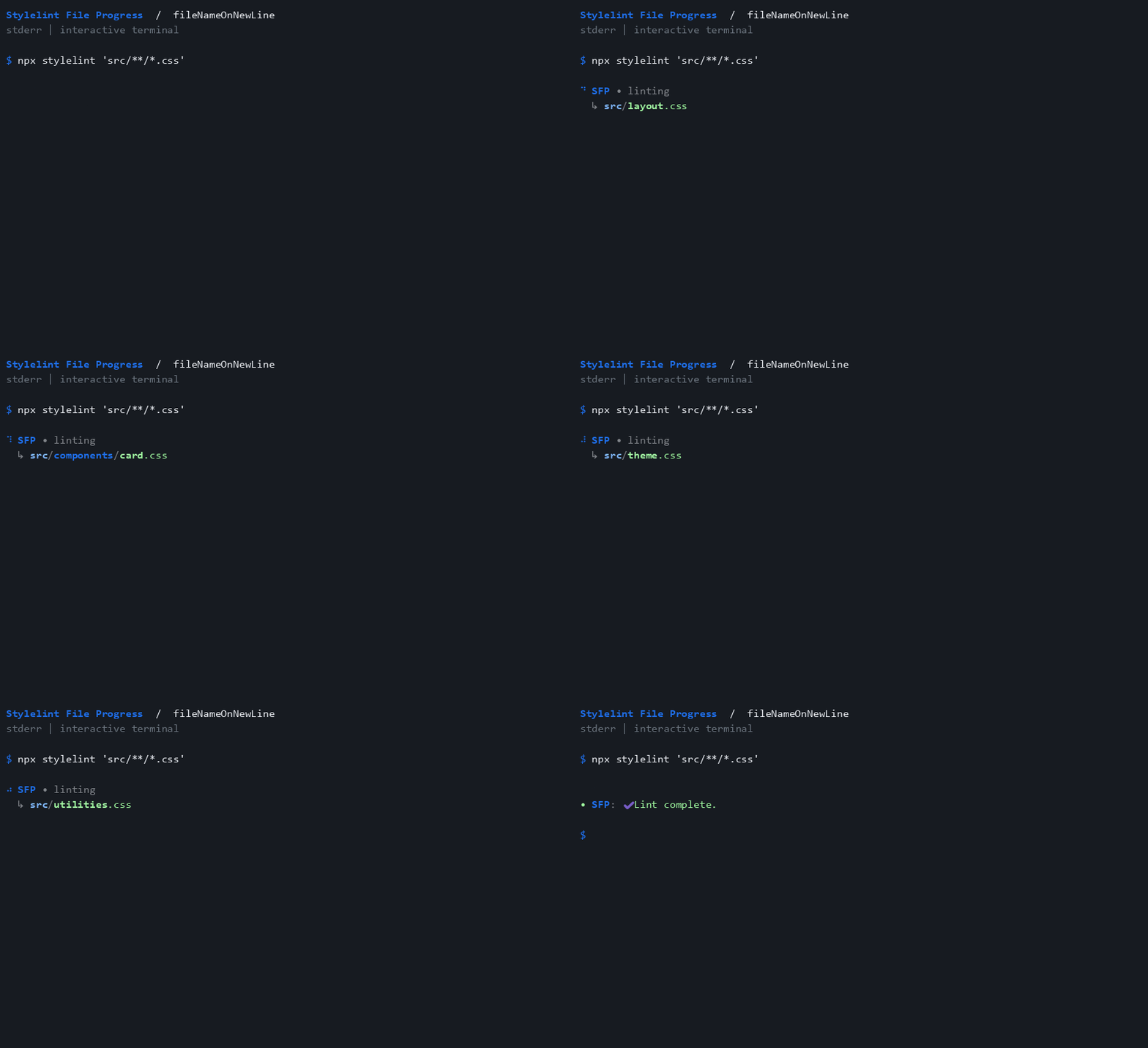
fileNameOnNewLine
Put the filename on its own indented line.
{
 "fileNameOnNewLine": true
}
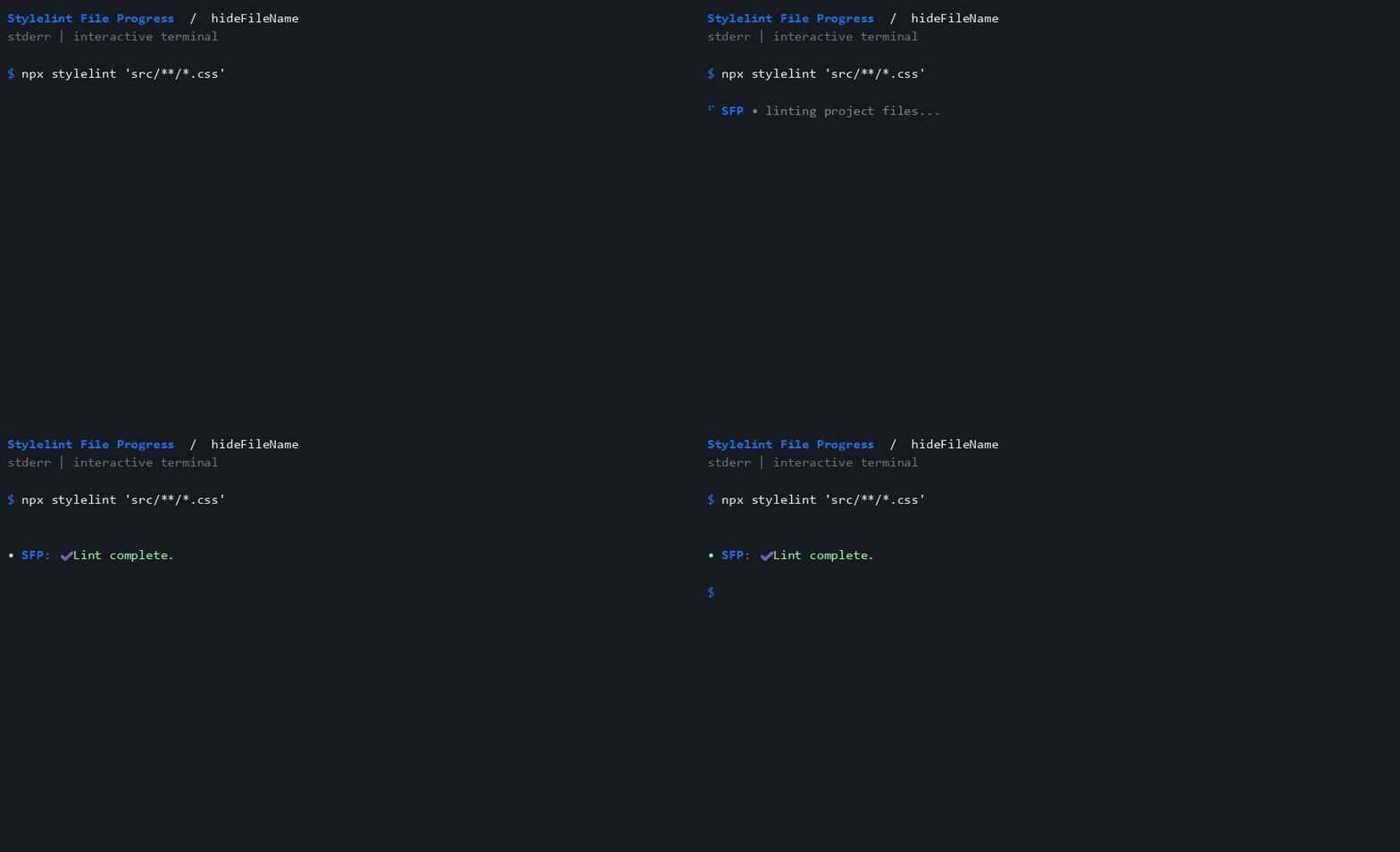
hideFileName
Announce activity once without listing filenames.
{
 "hideFileName": true
}
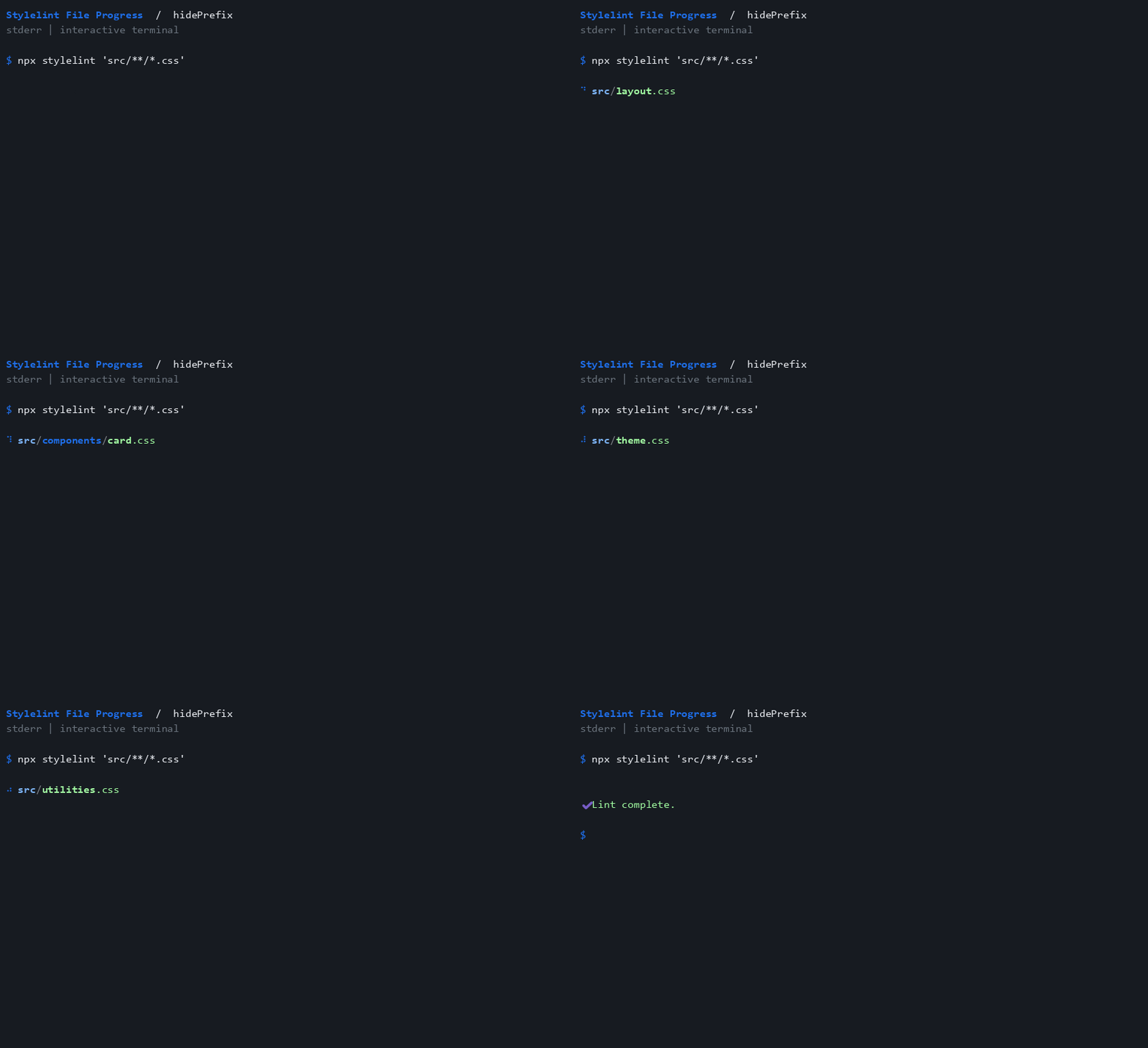
hidePrefix
Remove the SFP label and prefix mark.
{
 "hidePrefix": true
}
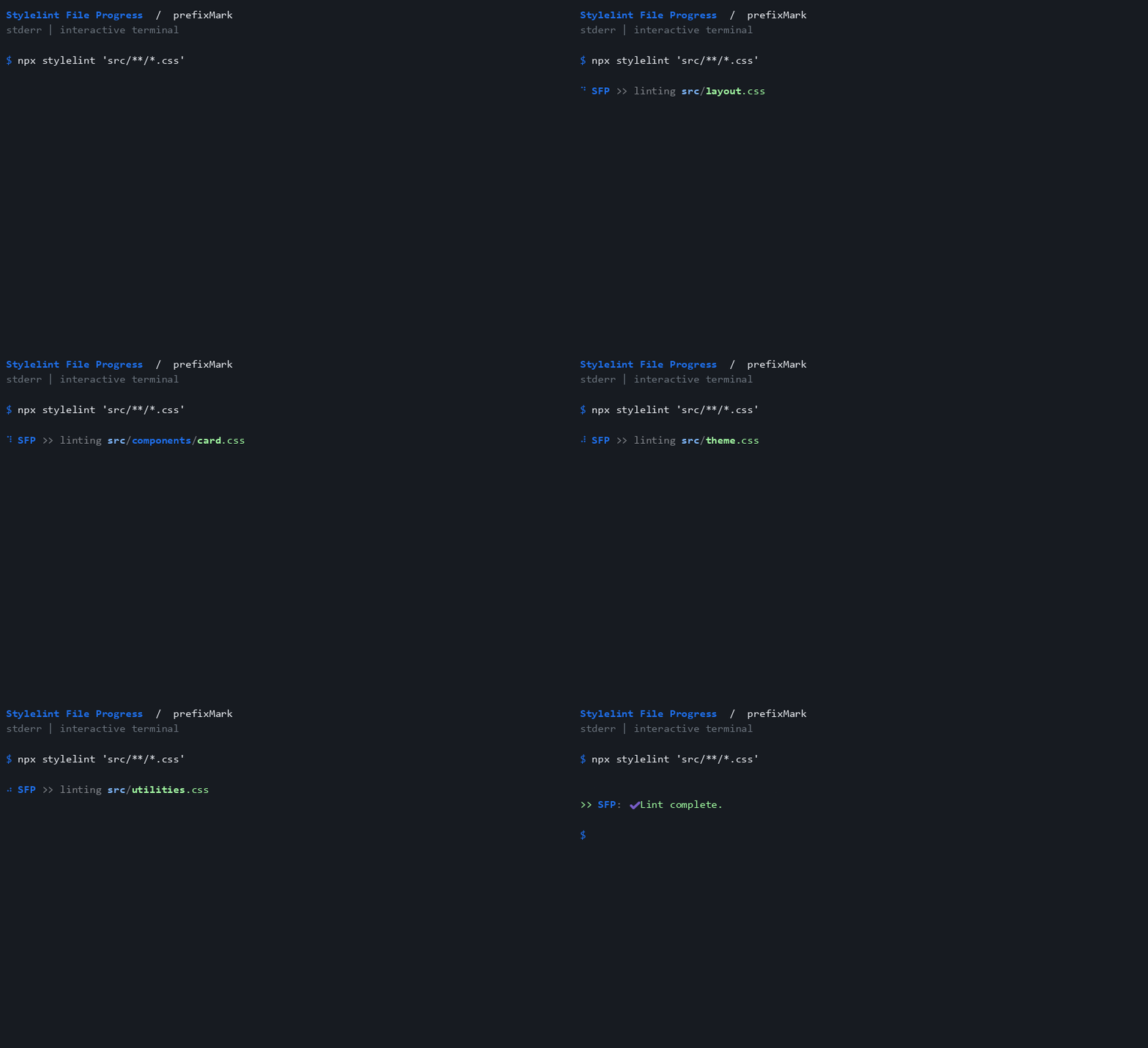
prefixMark
Choose a custom prefix mark.
{
 "prefixMark": ">>"
}
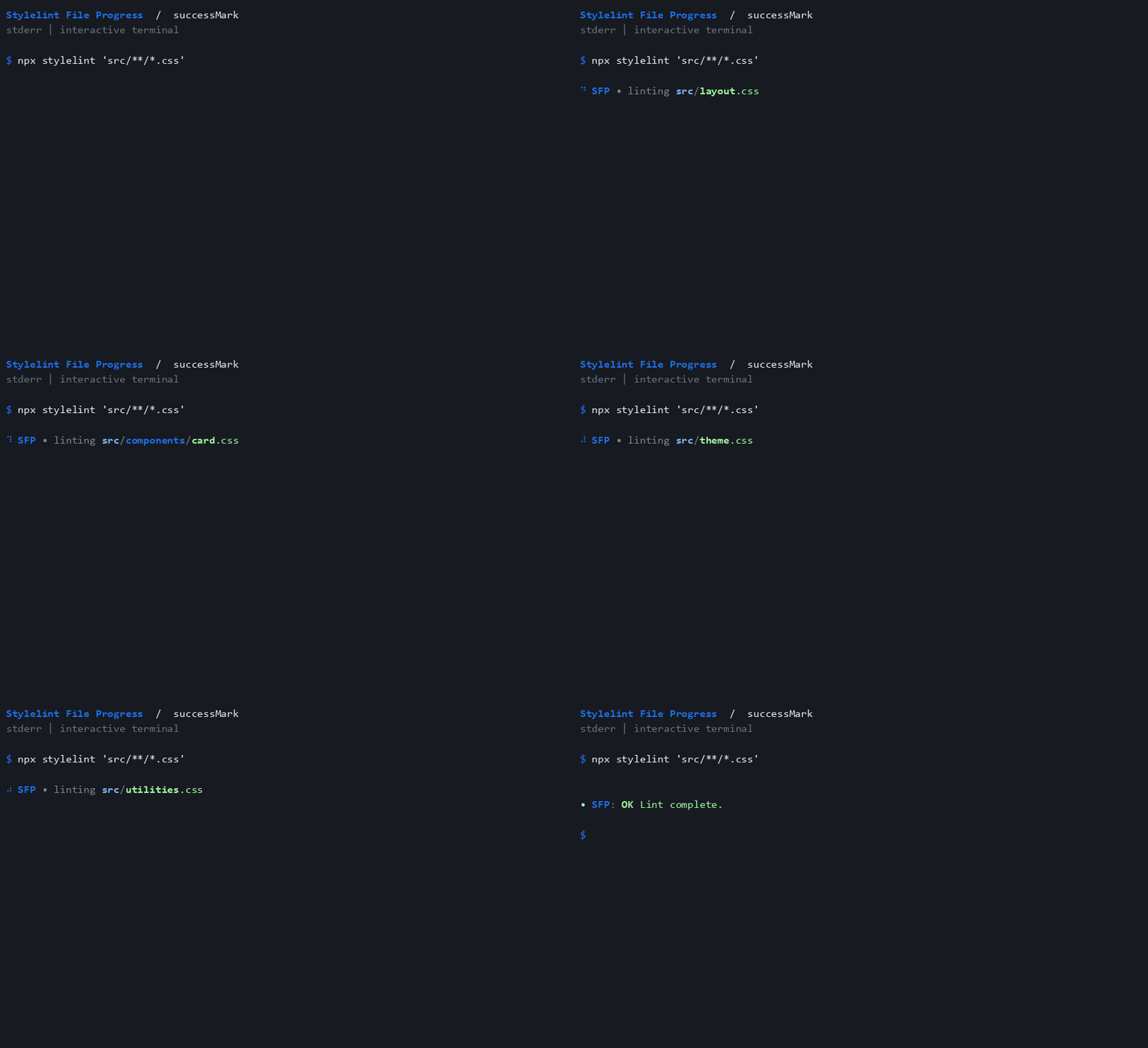
successMark
Choose the mark used with a zero process exit code.
{
 "successMark": "OK"
}
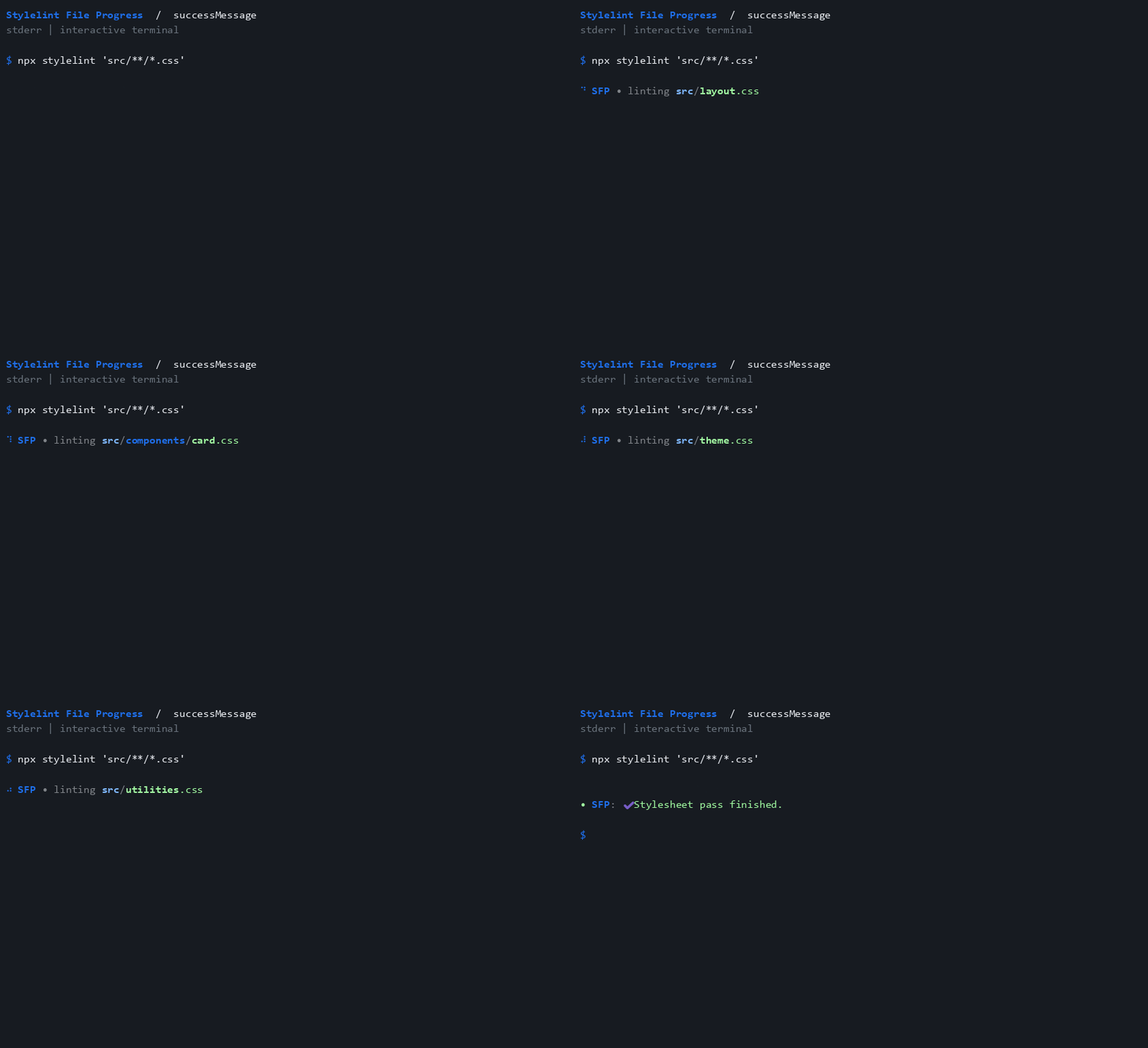
successMessage
Customize the shutdown message.
{
 "successMessage": "Stylesheet pass finished."
}
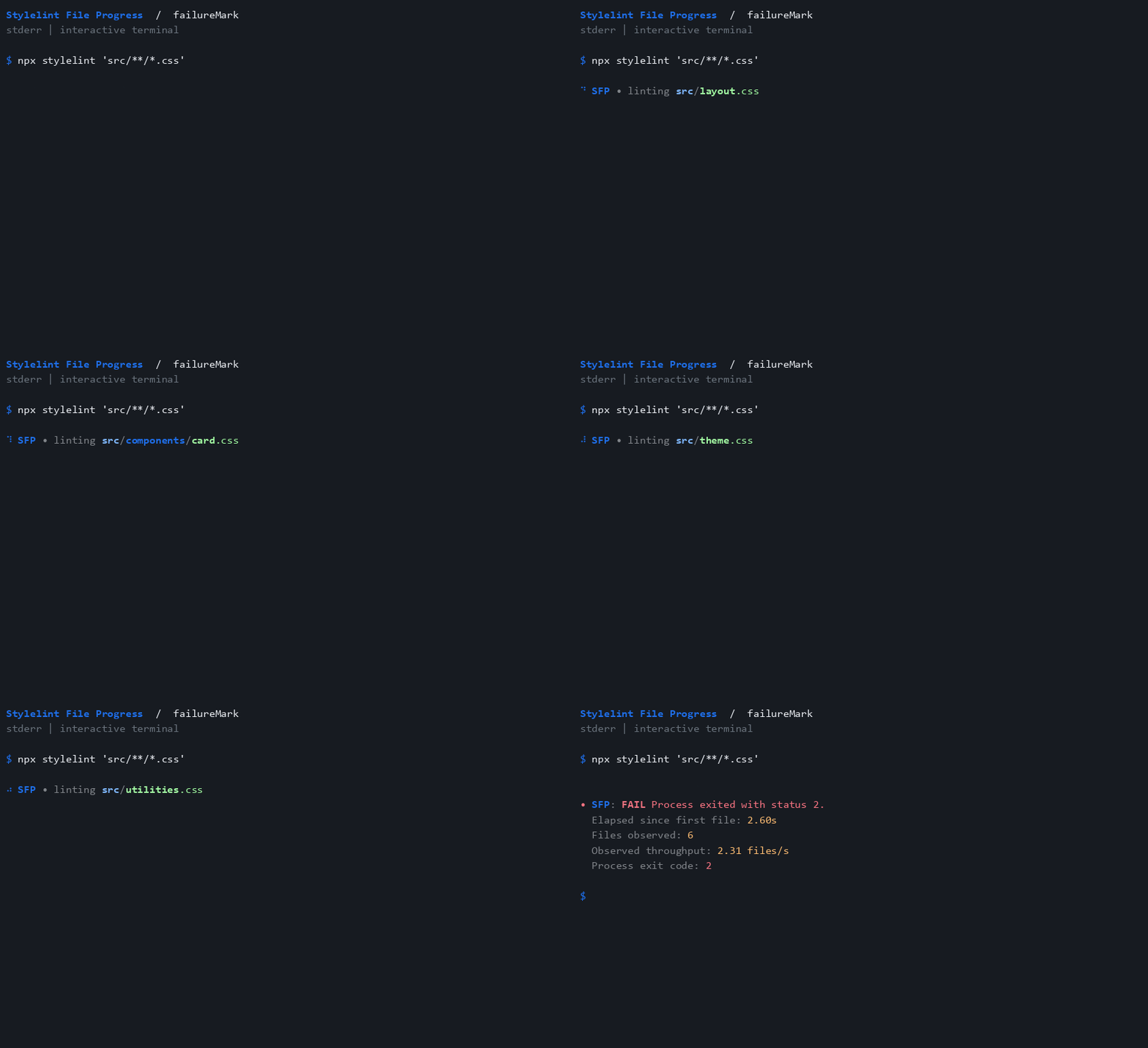
failureMark
A nonzero process exit code selects red failure styling, without inventing problem totals.
{
 "failureMark": "FAIL",
 "detailedSuccess": true
}
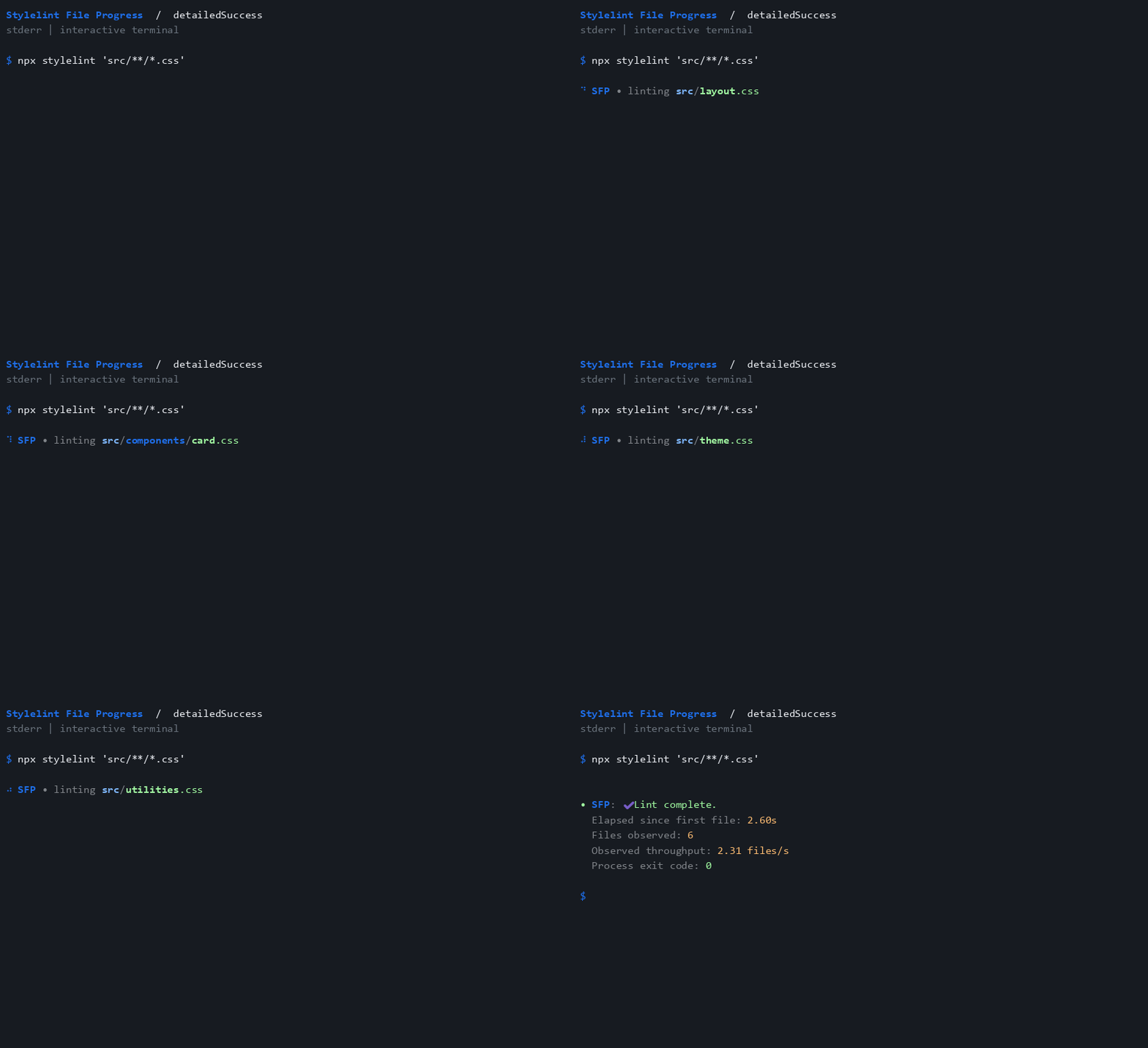
detailedSuccess
Include observed files, elapsed process time, throughput, and exit code.
{
 "detailedSuccess": true
}
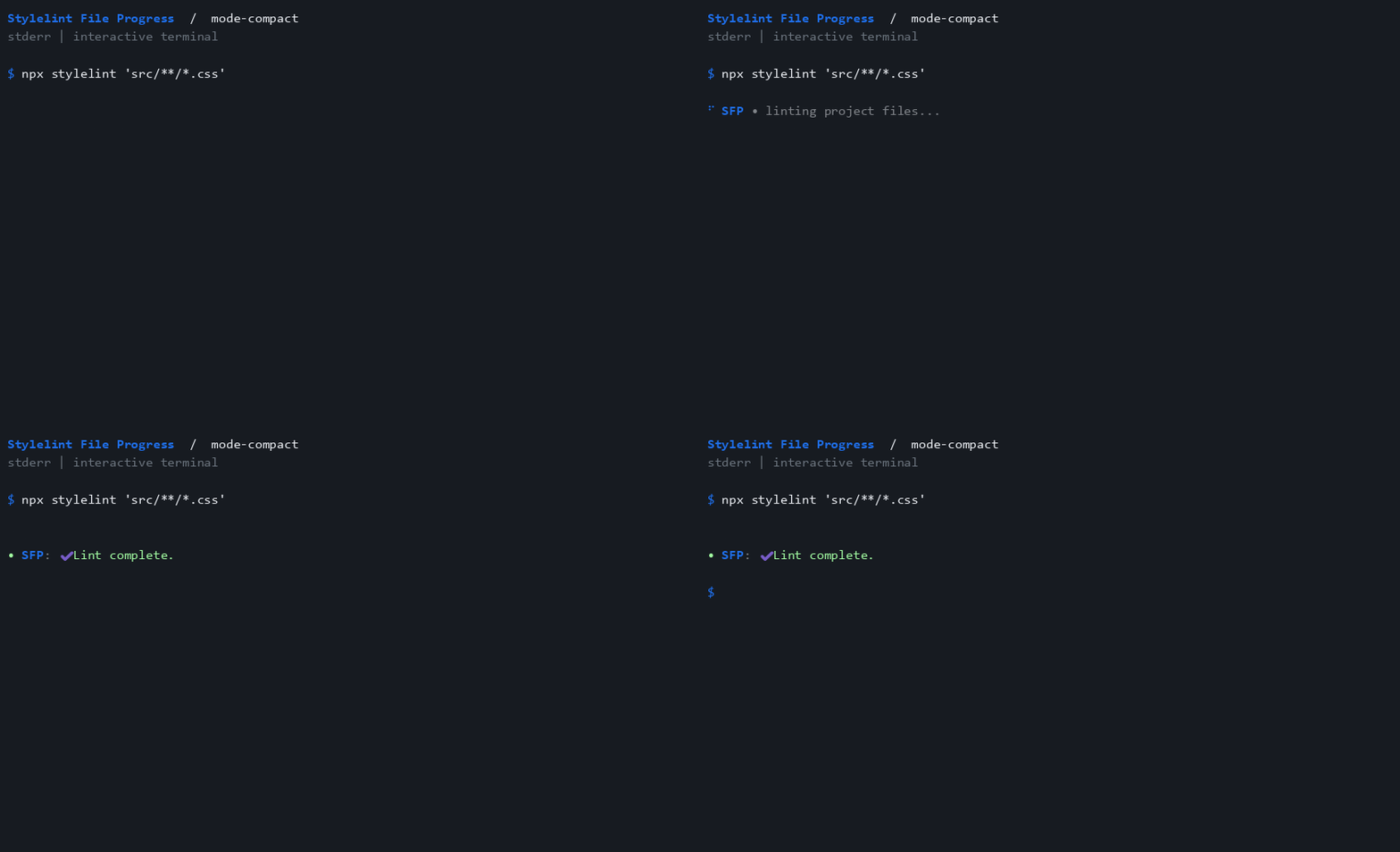
mode-compact
Emit one activity notice, followed by the shutdown summary.
{
 "mode": "compact"
}
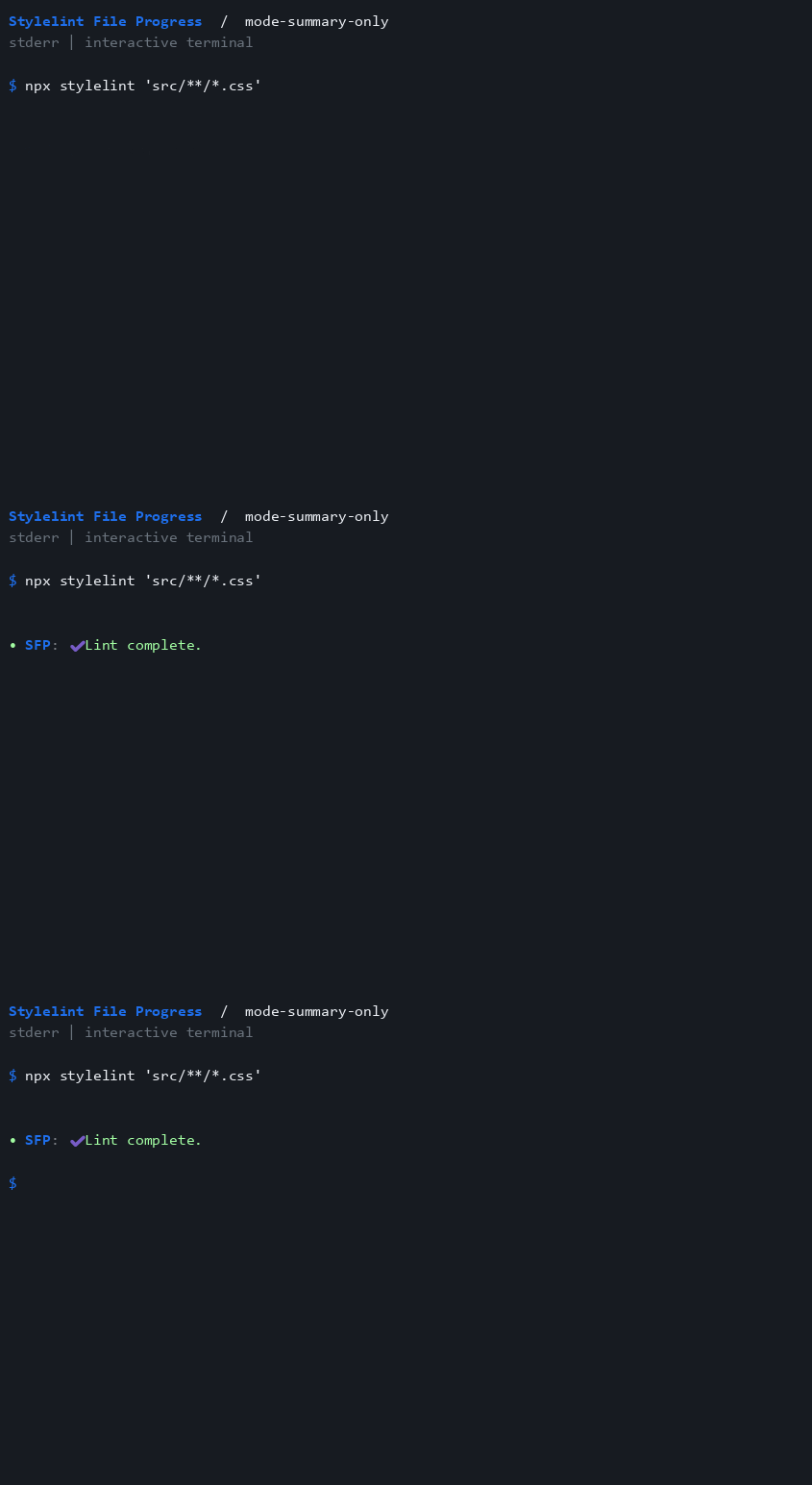
mode-summary-only
Wait until process exit before displaying the summary.
{
 "mode": "summary-only"
}
hide
Hide both progress and the shutdown summary.
{
 "hide": true
}

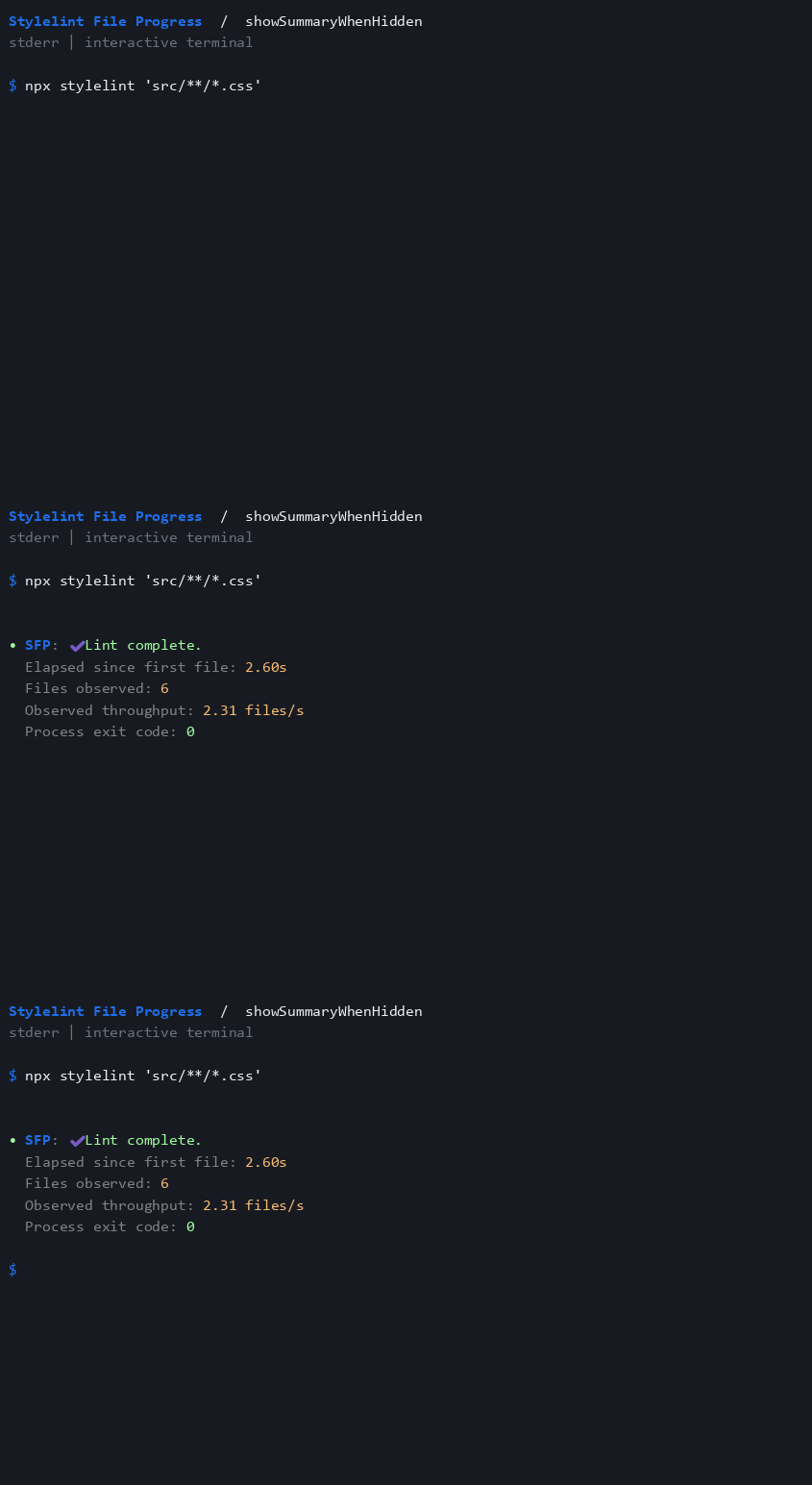
showSummaryWhenHidden
Keep the process summary when live progress is hidden.
{
 "hide": true,
 "showSummaryWhenHidden": true,
 "detailedSuccess": true
}
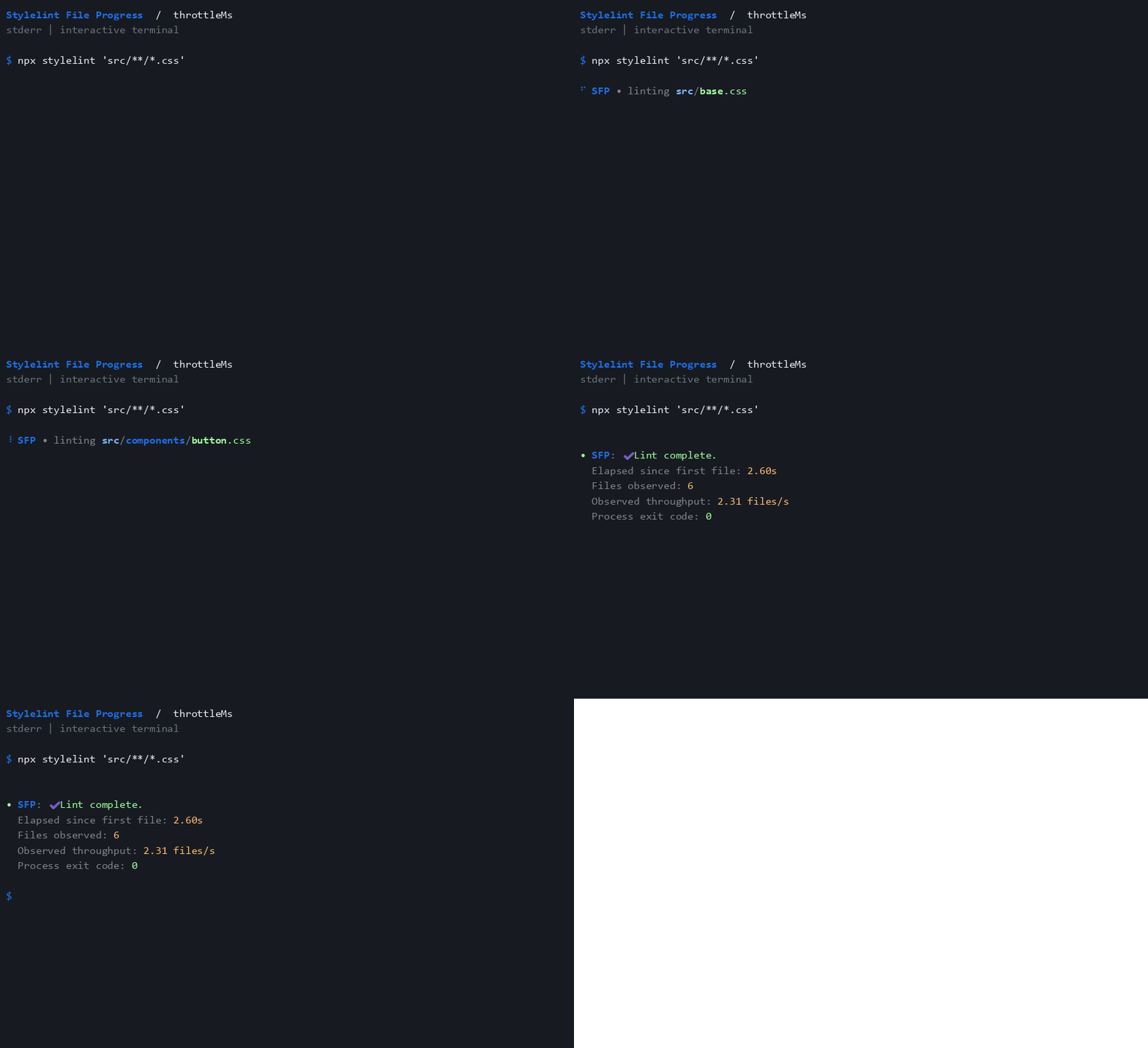
throttleMs
Limit live displays while still counting every observed file.
{
 "throttleMs": 1000,
 "detailedSuccess": true
}
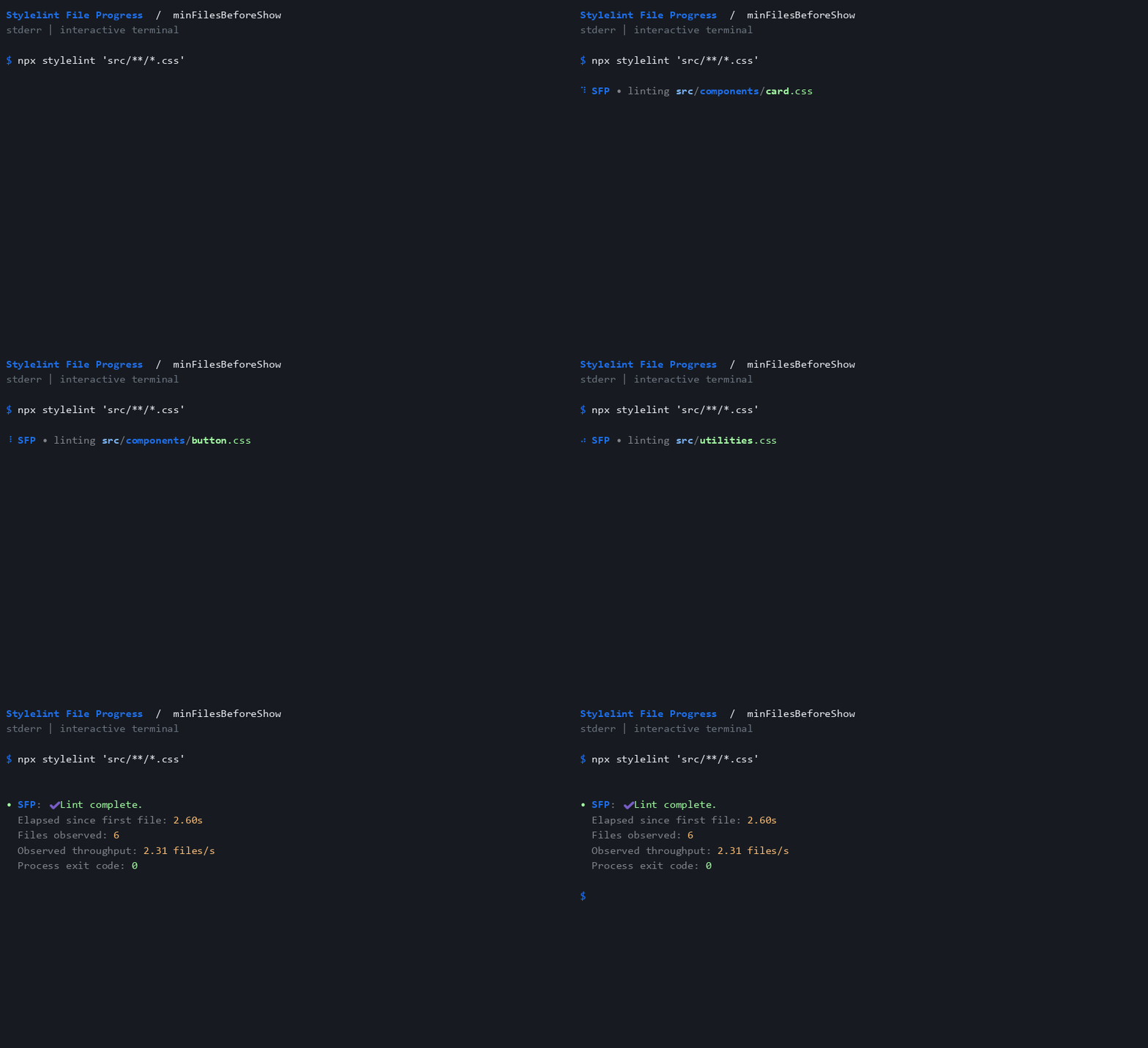
minFilesBeforeShow
Wait for three observed files before showing output.
{
 "minFilesBeforeShow": 3,
 "detailedSuccess": true
}
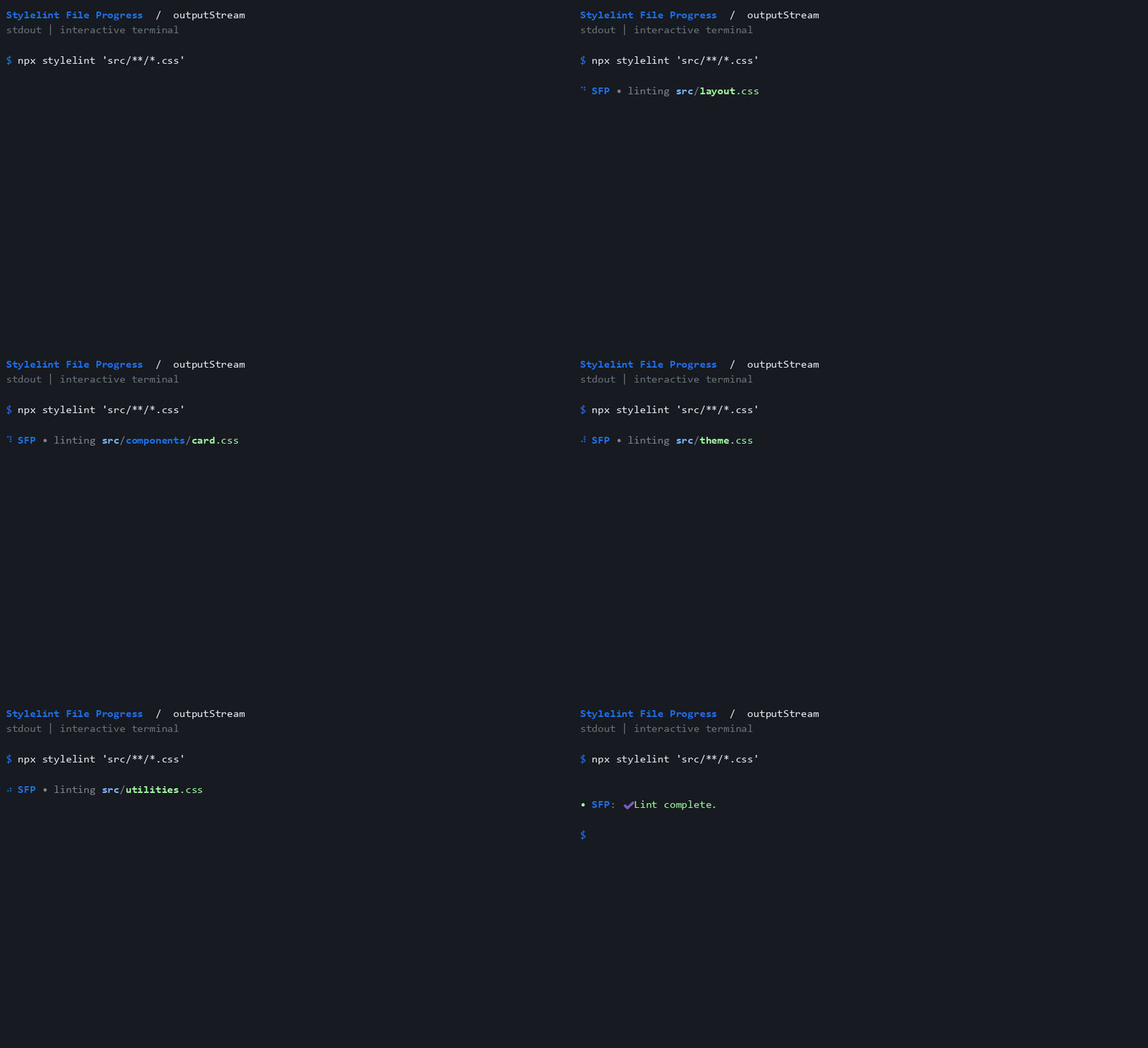
outputStream
Explicitly direct progress to stdout instead of the default stderr.
{
 "outputStream": "stdout"
}
ttyOnly
Suppress output when the selected stream is not a terminal.
{
 "ttyOnly": true
}

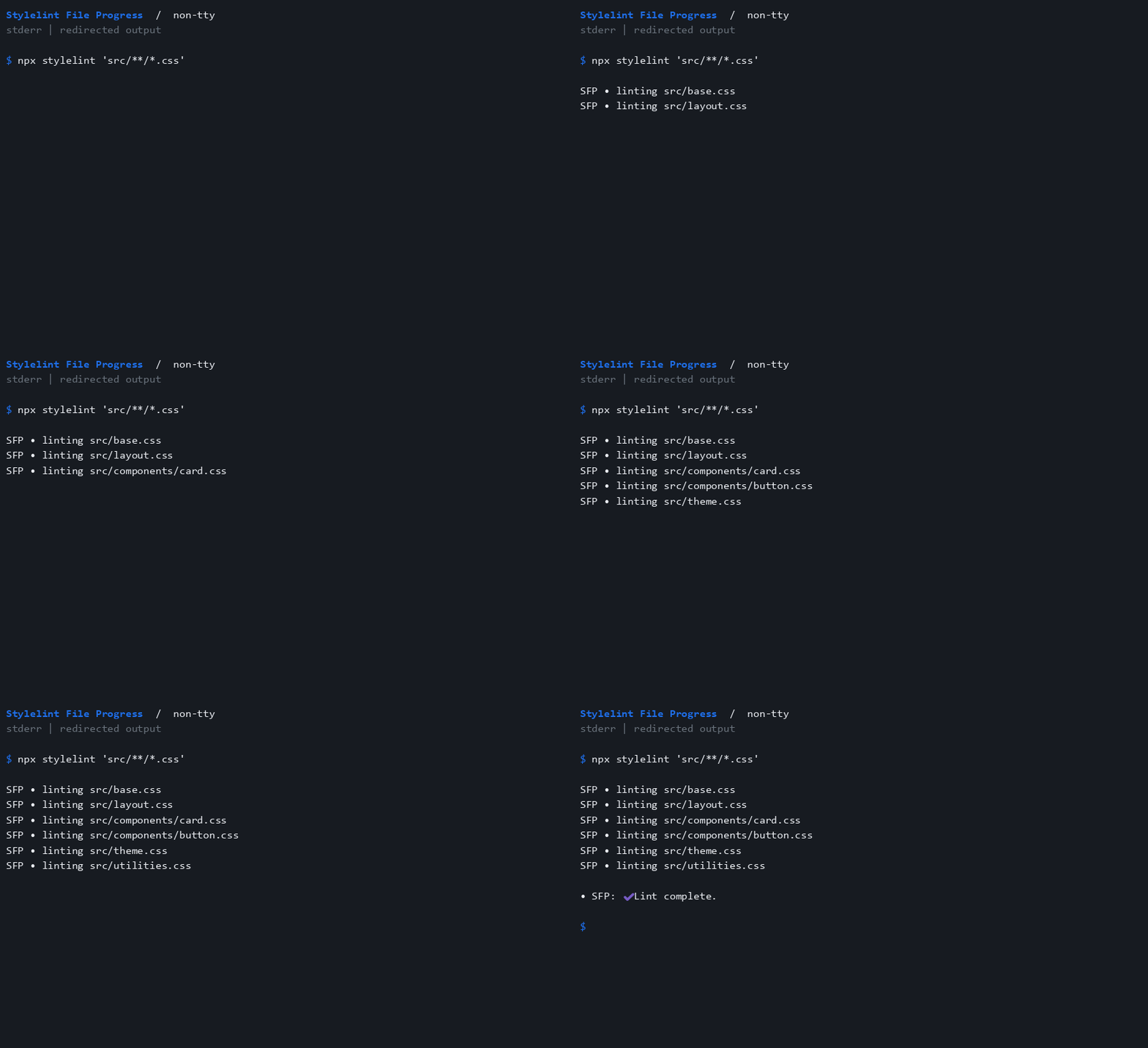
non-tty
Redirected output uses plain lines without spinner frames or color.
{}
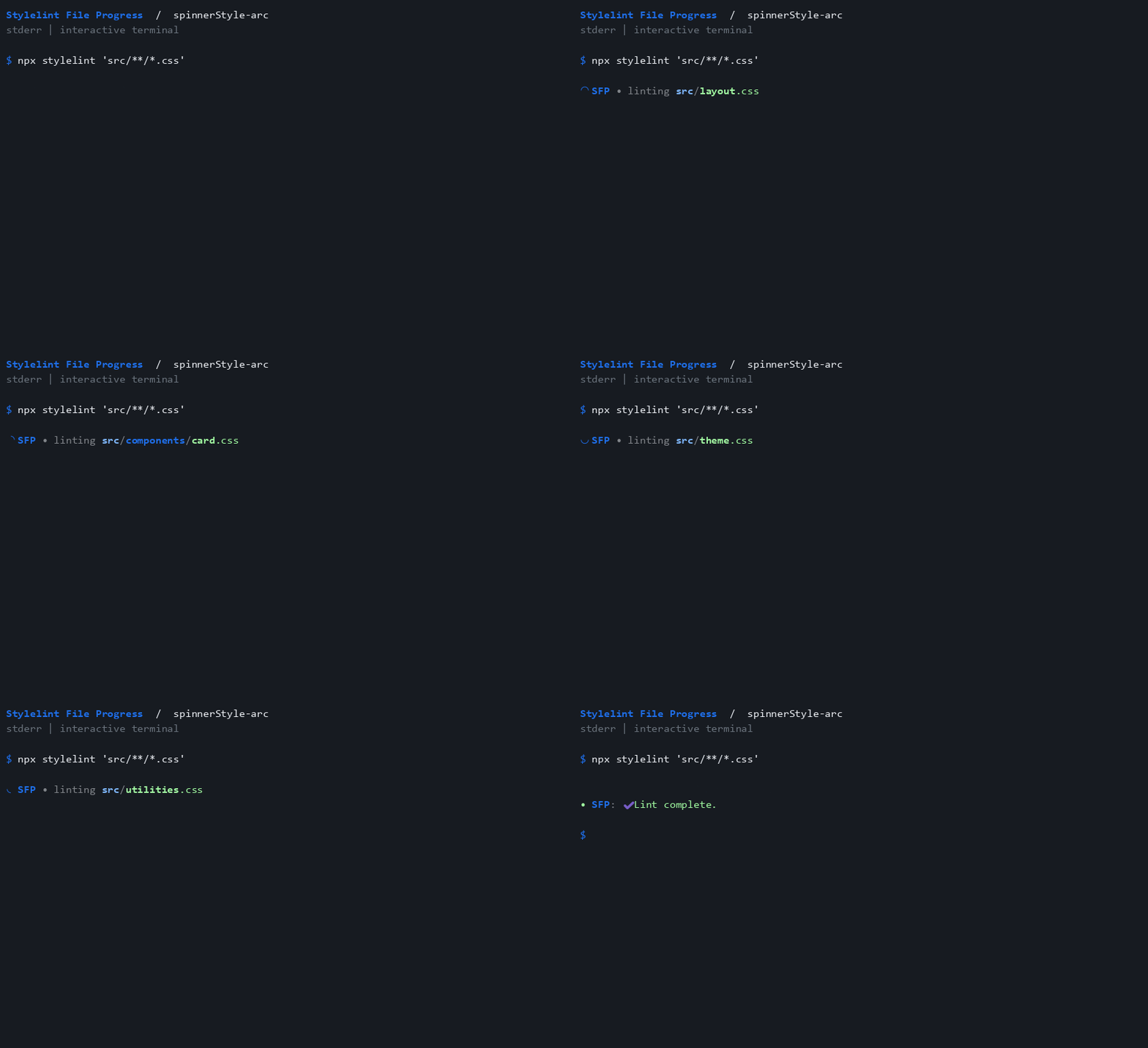
spinnerStyle-arc
Use arc frames, advancing when files are observed.
{
 "spinnerStyle": "arc"
}
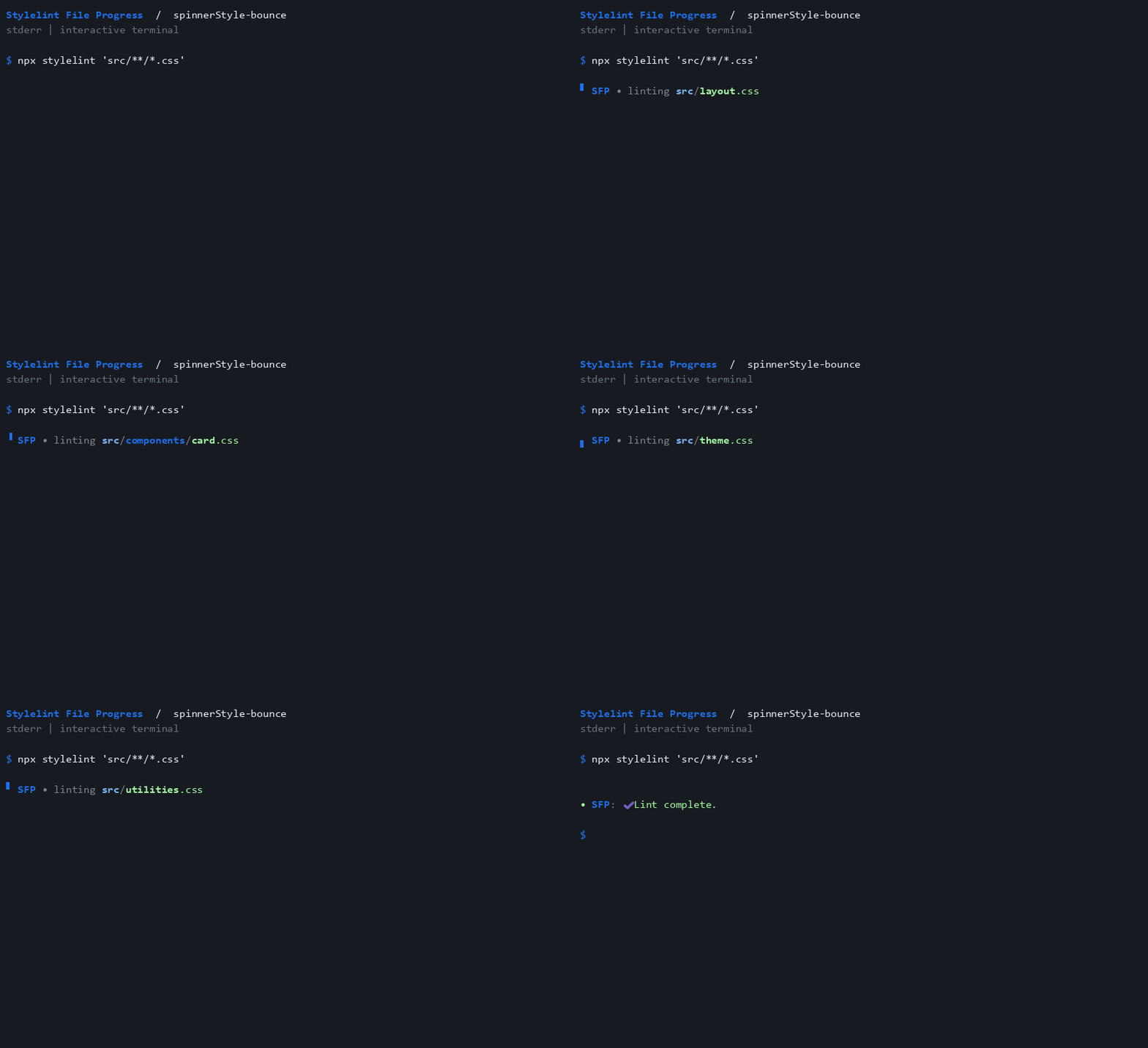
spinnerStyle-bounce
Use bounce frames, advancing when files are observed.
{
 "spinnerStyle": "bounce"
}
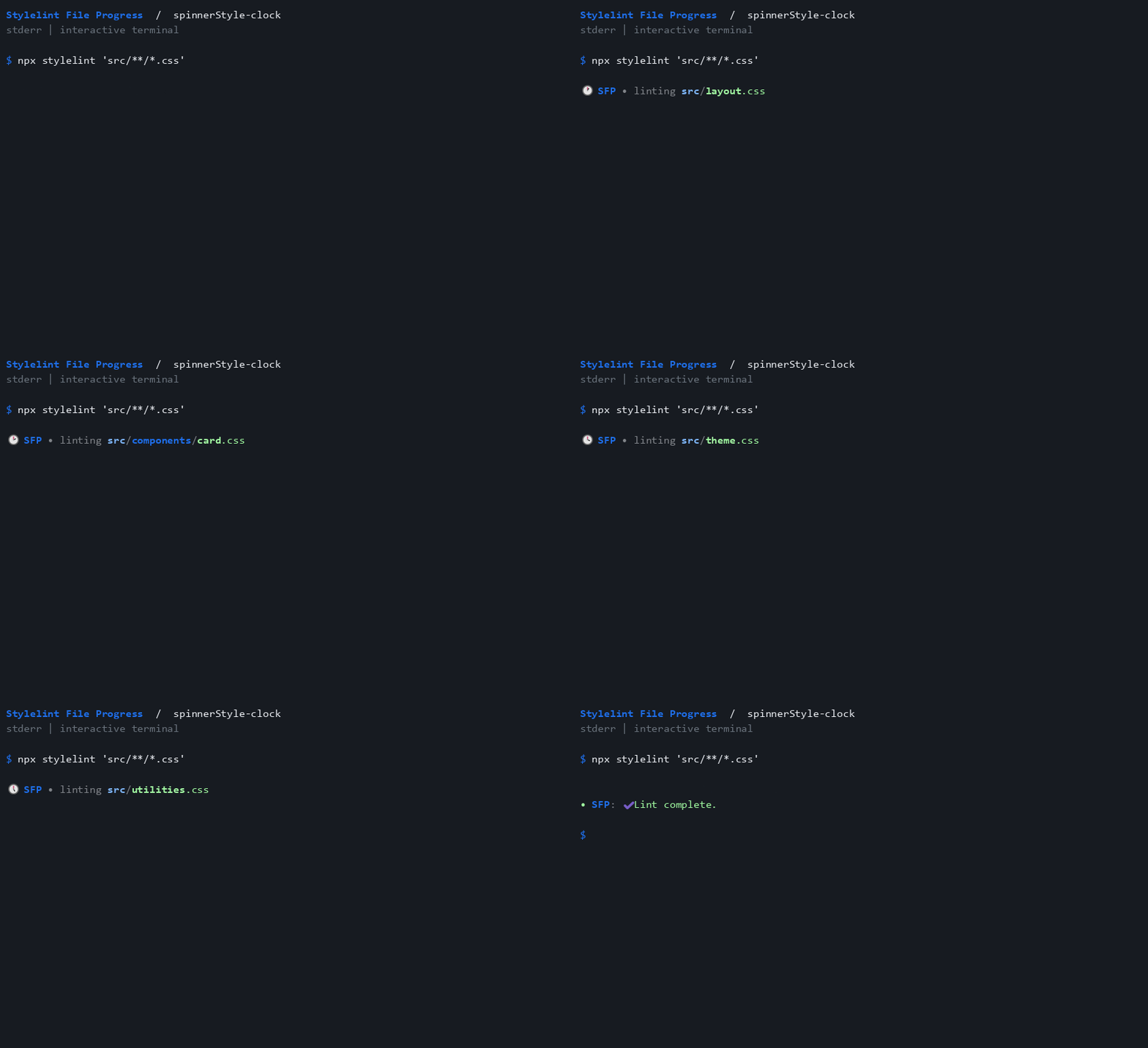
spinnerStyle-clock
Use clock frames, advancing when files are observed.
{
 "spinnerStyle": "clock"
}
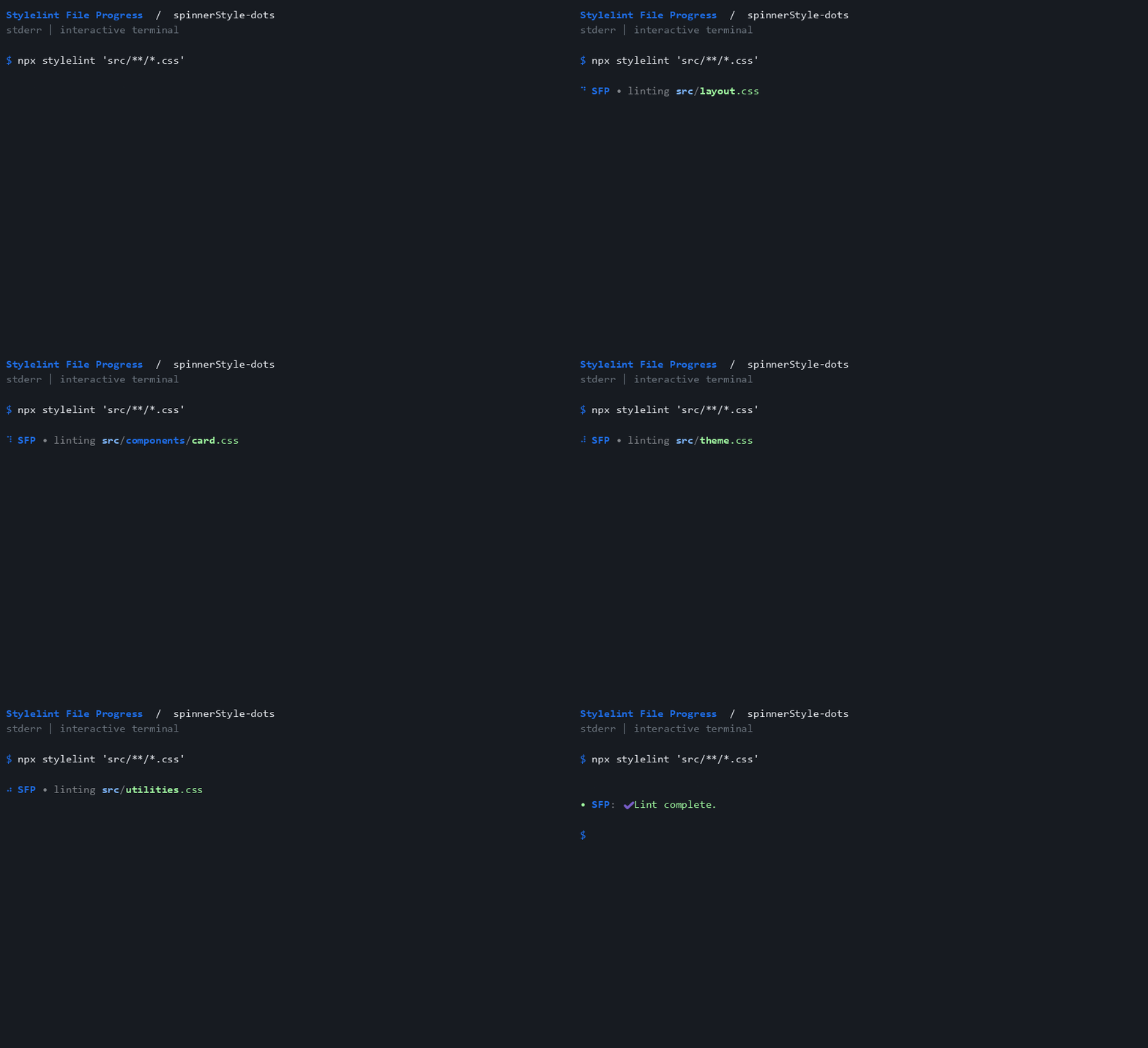
spinnerStyle-dots
Use dots frames, advancing when files are observed.
{
 "spinnerStyle": "dots"
}
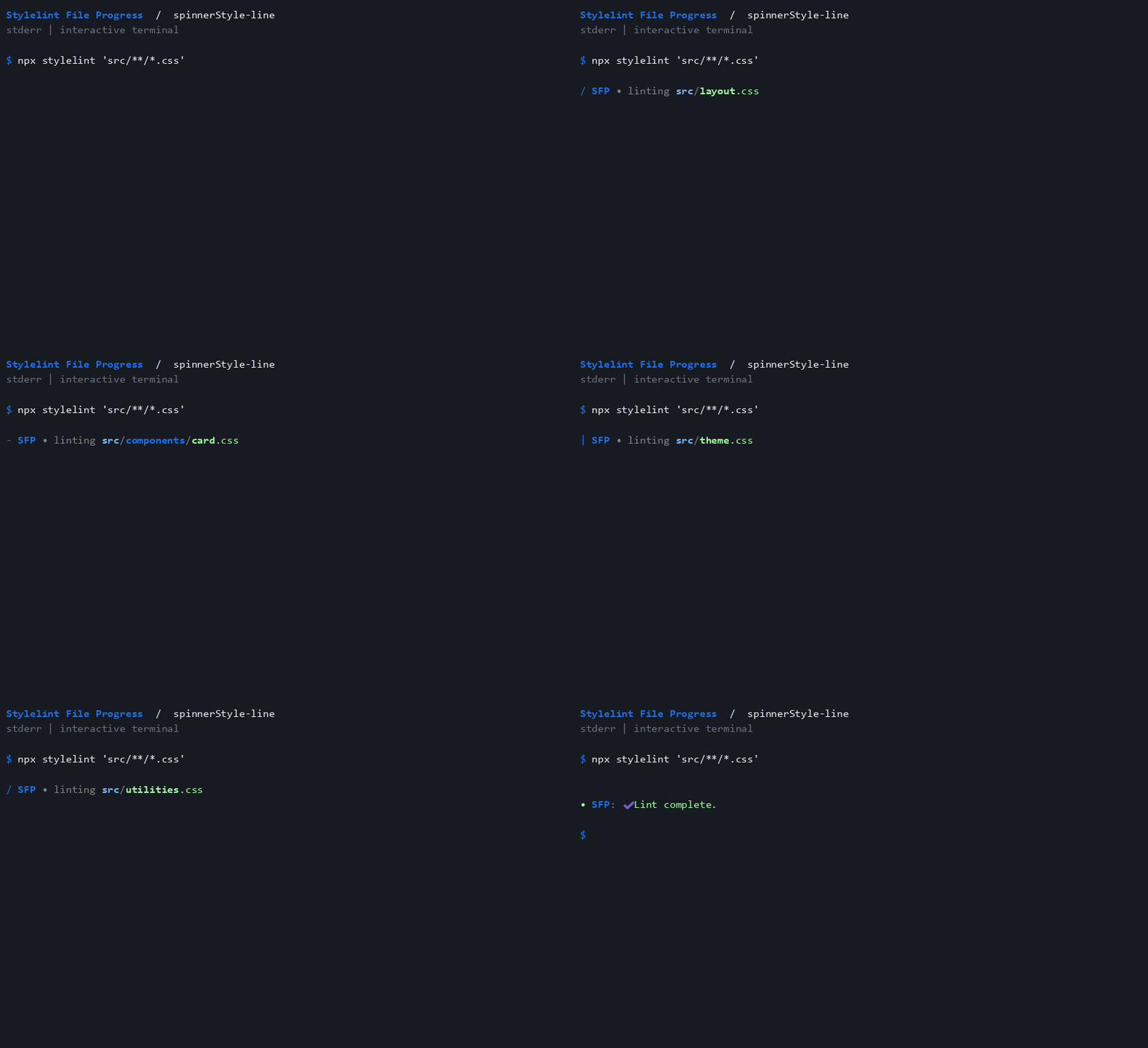
spinnerStyle-line
Use line frames, advancing when files are observed.
{
 "spinnerStyle": "line"
}
Reproduce the recordings
Install agg 1.9.0, then run npm run build and npm run docs:demos:write. The renderer uses the GitHub dark palette. Glyph appearance can vary with the system's monospace and fallback fonts.
npm run docs:demos:check regenerates the expected terminal traces in memory and checks every committed cast, GIF integrity hash, gallery entry, and static poster without writing files or requiring agg. Regenerate the recordings whenever output behavior changes.