activate
Display live per-file lint progress in CLI output.
Targeted pattern scope
This rule is for CLI-oriented ESLint runs where visible progress matters.
It enables the plugin's full live mode, including spinner updates and per-file path repainting.
What this rule reports
This rule does not report source-code violations.
Enabling it changes ESLint's terminal output behavior for the current run.
Why this rule exists
Long ESLint runs can feel silent and untrustworthy when the terminal shows no activity while ESLint is still working.
This rule exists to make those runs easier to monitor without changing lint semantics.
❌ Incorrect
import progress from "eslint-plugin-file-progress-2";

export default [
 {
  plugins: {
   "file-progress": progress,
  },
  rules: {
   // No live progress will be shown.
   "file-progress/activate": "off",
  },
 },
];
✅ Correct
import progress from "eslint-plugin-file-progress-2";

export default [
 {
  plugins: {
   "file-progress": progress,
  },
  rules: {
   "file-progress/activate": [
    "warn",
    {
     outputStream: "stderr",
     throttleMs: 100,
     ttyOnly: true,
    },
   ],
  },
 },
];
Behavior and migration notes
Rule Options
Use the inline GIF preview under each option section below for quick visual comparison.
This rule accepts one optional options object:
interface ProgressRuleOptions {
 detailedSuccess?: boolean;
 failureMark?: string;
 fileNameOnNewLine?: boolean;
 hide?: boolean;
 /**
  * @deprecated Prefer `pathFormat: "basename"`.
  */
 hideDirectoryNames?: boolean;
 hideFileName?: boolean;
 hidePrefix?: boolean;
 mode?: "file" | "compact" | "summary-only";
 minFilesBeforeShow?: number;
 outputStream?: "stderr" | "stdout";
 pathFormat?: "relative" | "basename";
 prefixMark?: string;
 showSummaryWhenHidden?: boolean;
 spinnerStyle?: "arc" | "bounce" | "clock" | "dots" | "line";
 successMark?: string;
 successMessage?: string;
 throttleMs?: number;
 ttyOnly?: boolean;
}
Default values:
{
  detailedSuccess: false,
  failureMark: "✖",
  fileNameOnNewLine: false,
  hide: false,
  hideFileName: false,
  hidePrefix: false,
  minFilesBeforeShow: 0,
  outputStream: "stderr",
  pathFormat: "relative",
  prefixMark: "•",
  showSummaryWhenHidden: false,
  spinnerStyle: "dots",
  successMark: "✔",
  successMessage: "Lint complete.",
  throttleMs: 0,
  ttyOnly: false,
}
hideDirectoryNames has no standalone default value. It is a deprecated alias
that only matters when pathFormat is not set.
mode also has no standalone literal default in the options object. When it is
omitted, activate stays in its normal per-file live mode.
How option resolution works
- Rule options are the primary API.
- Deprecated
settings.progressis still read as a fallback. - If both are present, rule options win.
modeis the canonical way to select file, compact, or summary-only output behavior from this single rule.- Older
file-progress/compactandfile-progress/summary-onlyconfigs should migrate tofile-progress/activatewithmode. - Unknown or invalid values fall back to the built-in defaults.
- Empty strings for marks and messages are trimmed. Blank values fall back to the default text or symbol.
hideDirectoryNames: trueresolves topathFormat: "basename"only whenpathFormatis omitted.minFilesBeforeShowcounts files the rule has seen, not lint problems or rule reports.
Option-by-option reference
detailedSuccess
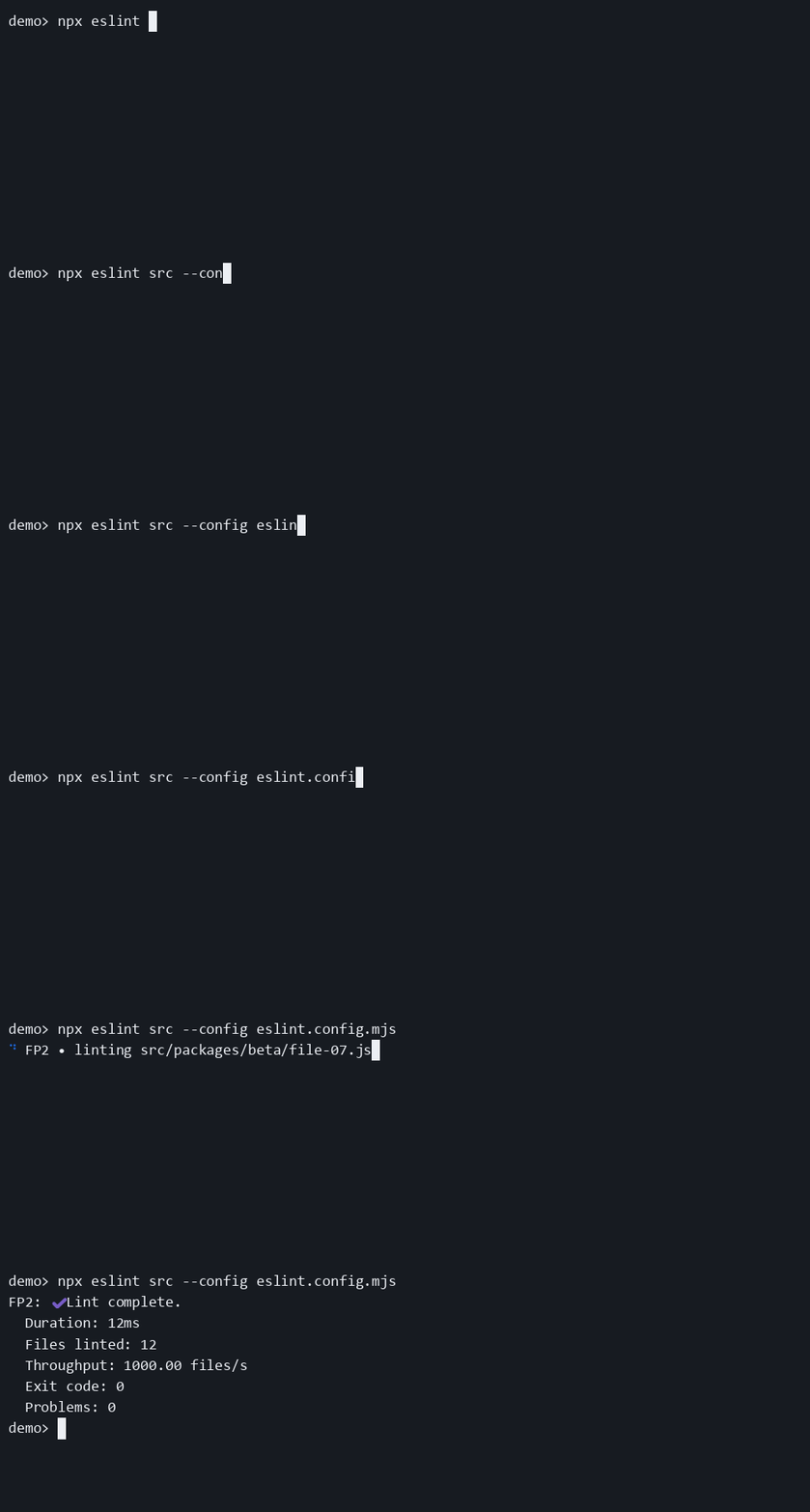
- Adds duration, file count, throughput, exit code, and problem status to the final summary.
- Despite the name, it also expands the failure summary. The same flag controls both success and failure detail output.
- It has no effect while live progress is repainting. You only see it at the end of the run.
failureMark
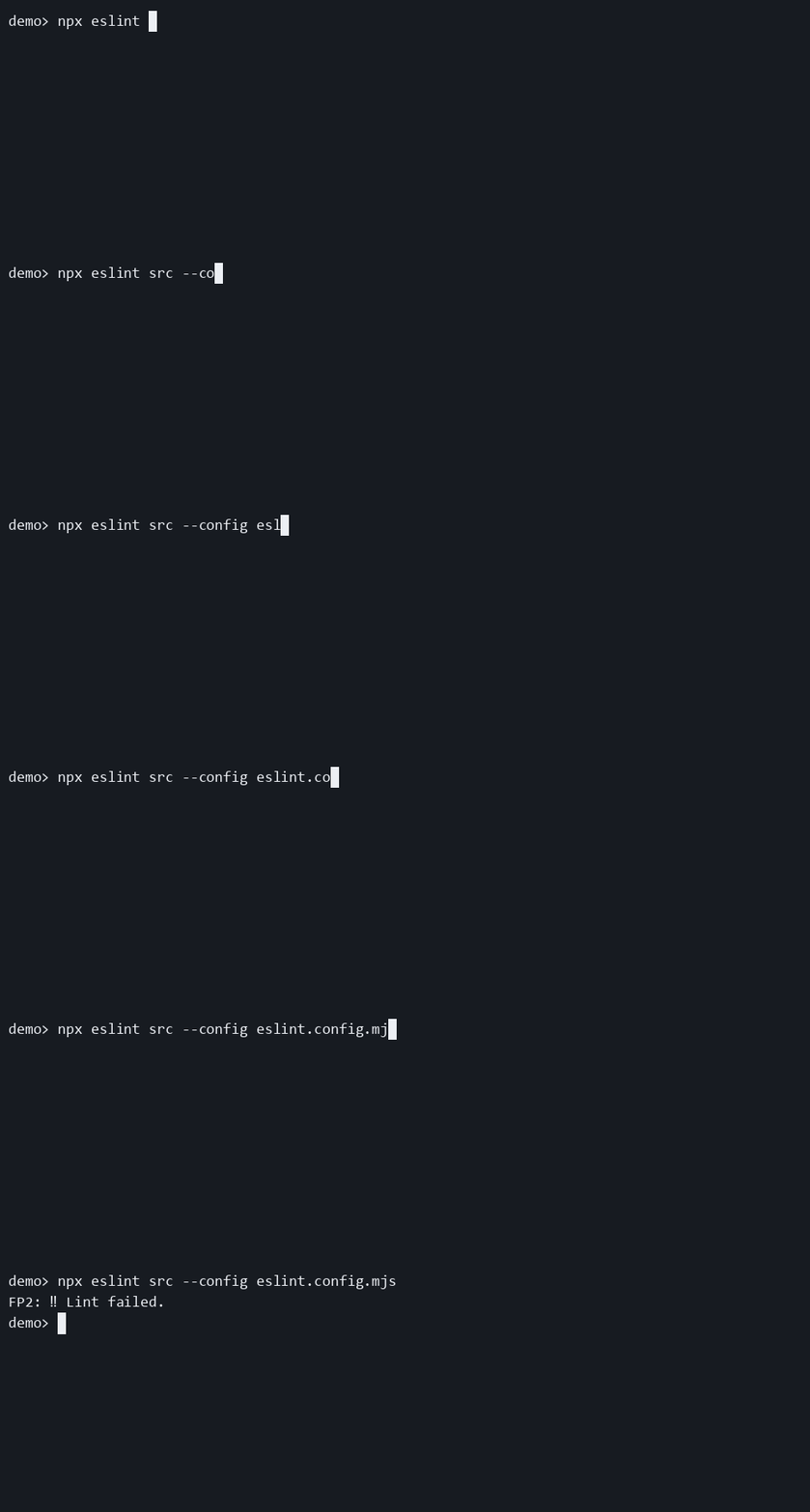
- Changes the symbol inside the failure summary text.
- It does not affect live spinner frames or success output.
- No matching
failureMessageoption exists. The failure message text remainsLint failed..
fileNameOnNewLine
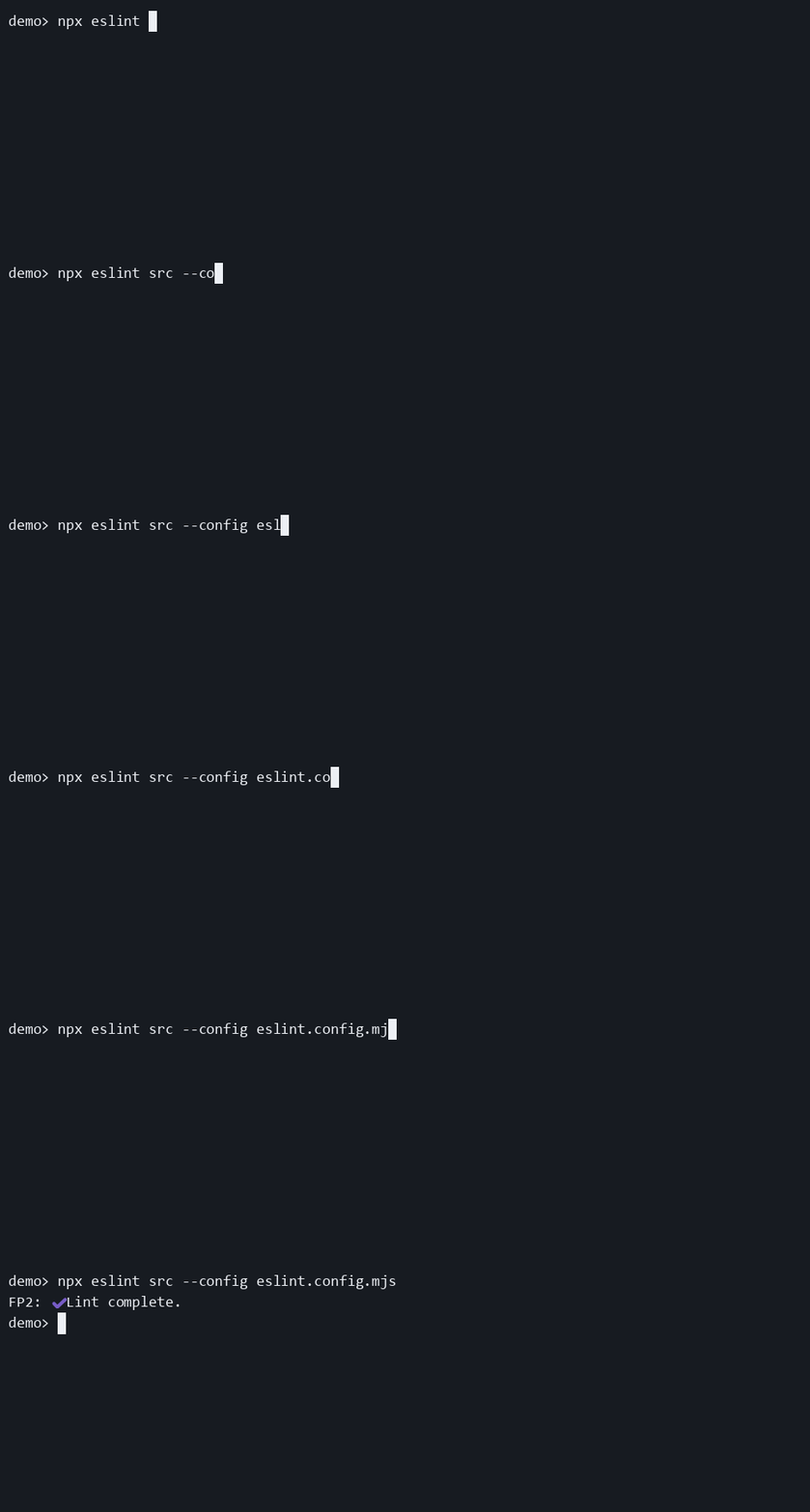
- Splits the live
activateoutput into two lines: the plugin prefix first, the current file path on the next line. - This is useful when long paths make the one-line layout feel cramped.
- It has no visible effect when file names are hidden or the prefix is hidden.
hide
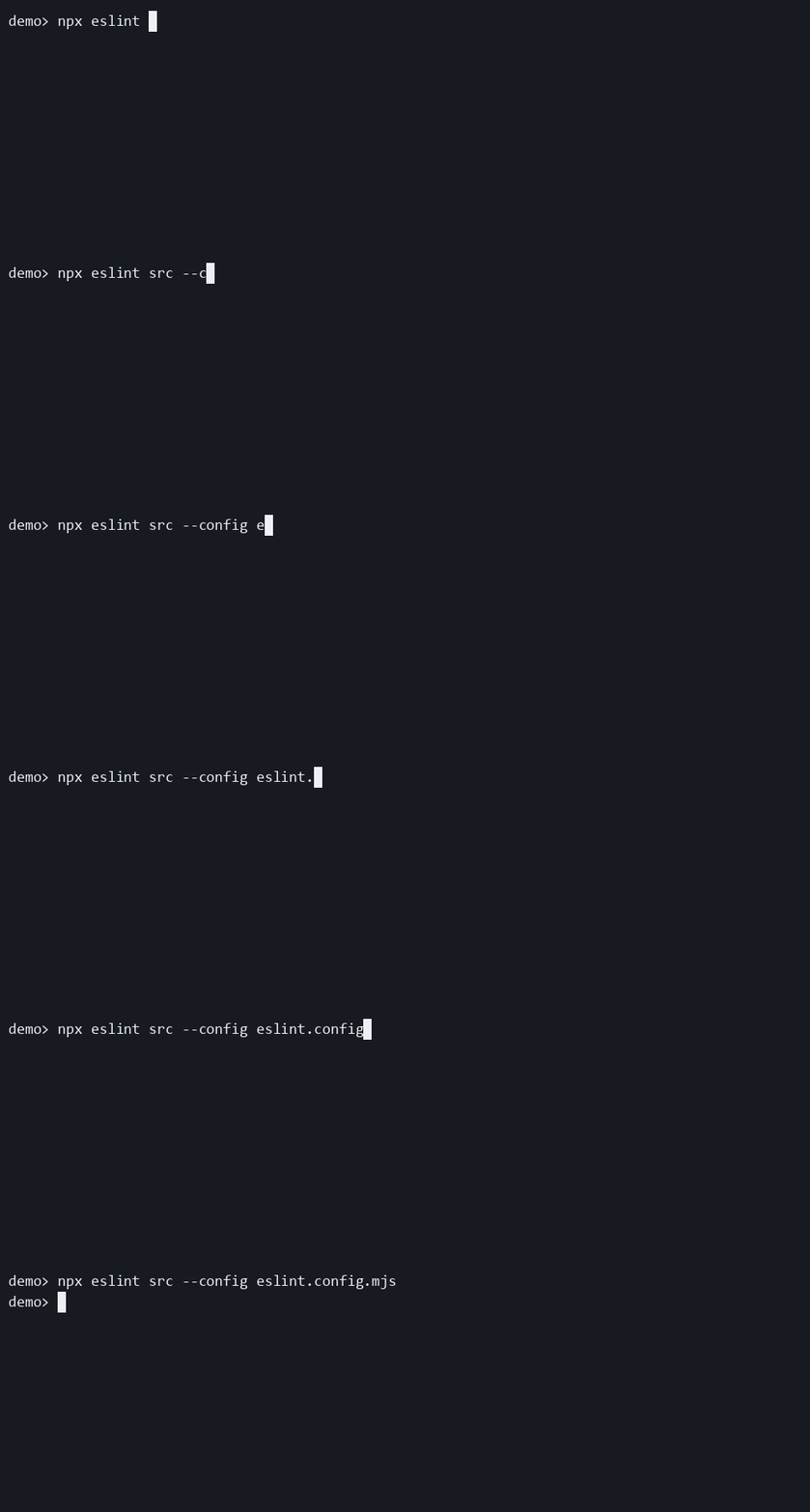
- Hides live output and the final summary.
- If you set only
hide: true, users will see no plugin output at all. - Combine it with
showSummaryWhenHidden: truewhen you want quiet live output but still want a completion signal.
hideDirectoryNames (deprecated)
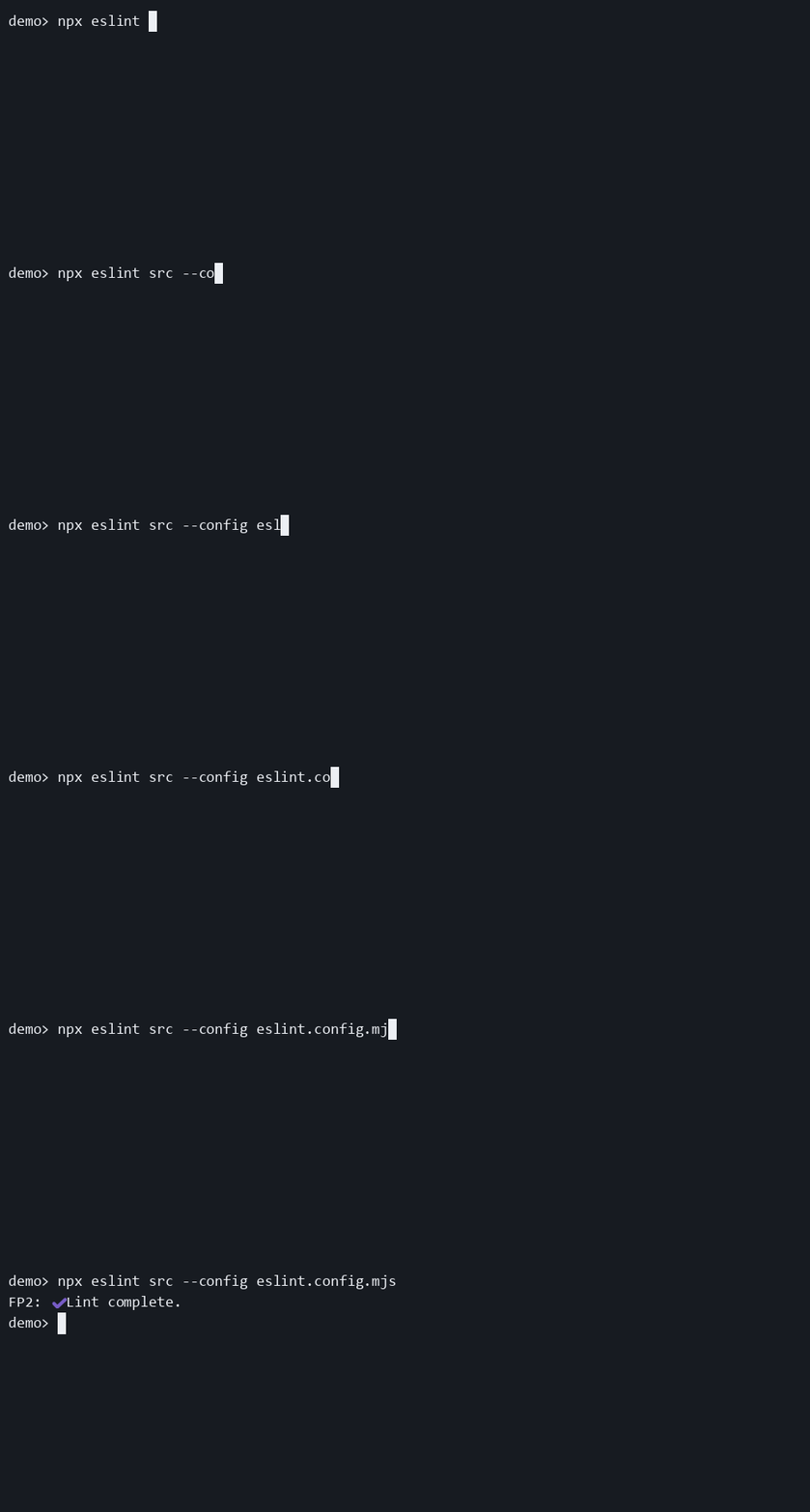
- Legacy alias for basename-only path display.
- It is only consulted when
pathFormatis not set. - Prefer
pathFormat: "basename"in new configs so the intent is explicit.
hideFileName
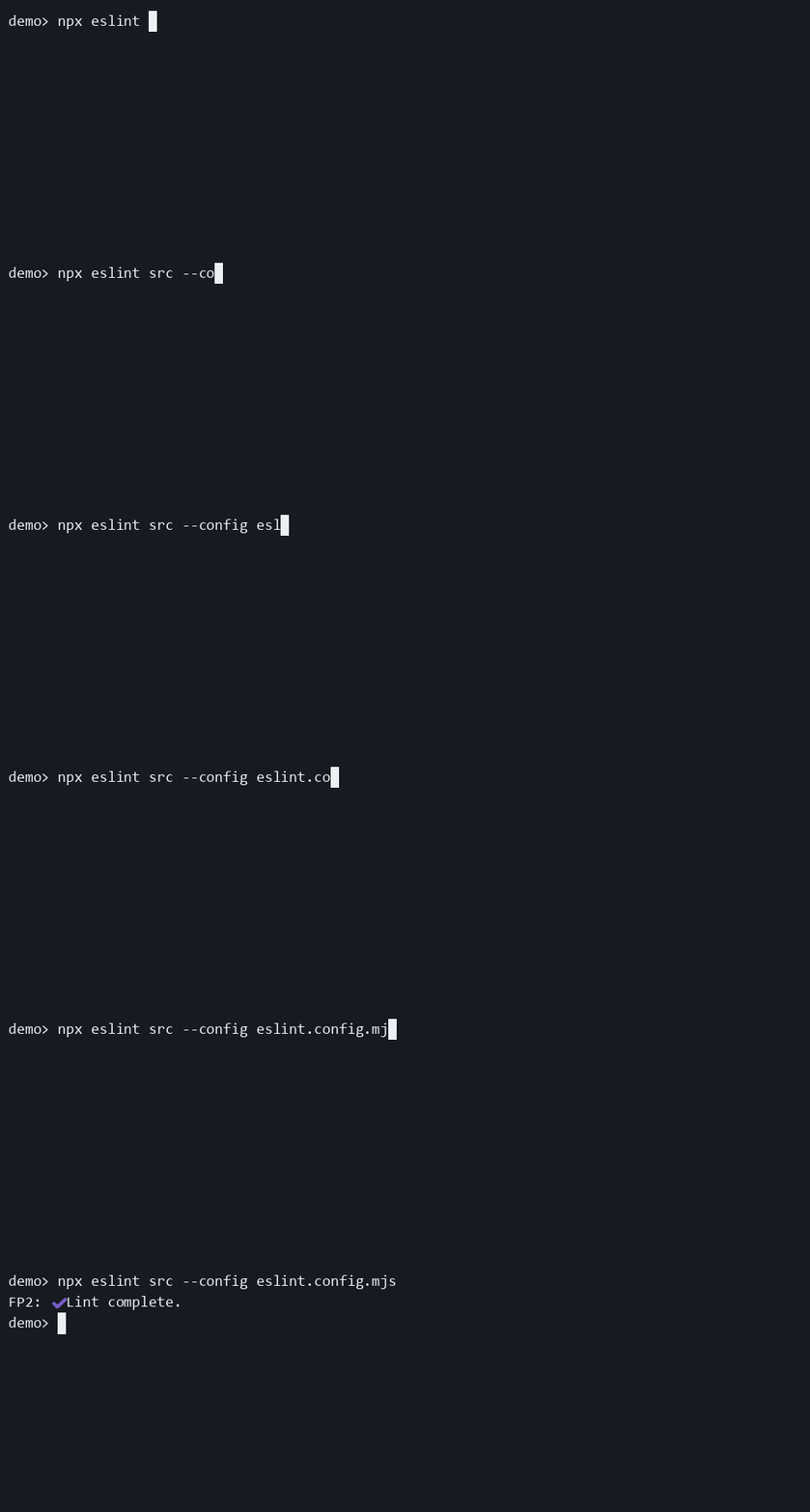
- Switches
activatefrom file-specific live progress to a genericlinting project files...line. - The final success or failure summary still works normally.
- If this is the behavior you always want, prefer
mode: "compact"so the intent is explicit in config.
hidePrefix
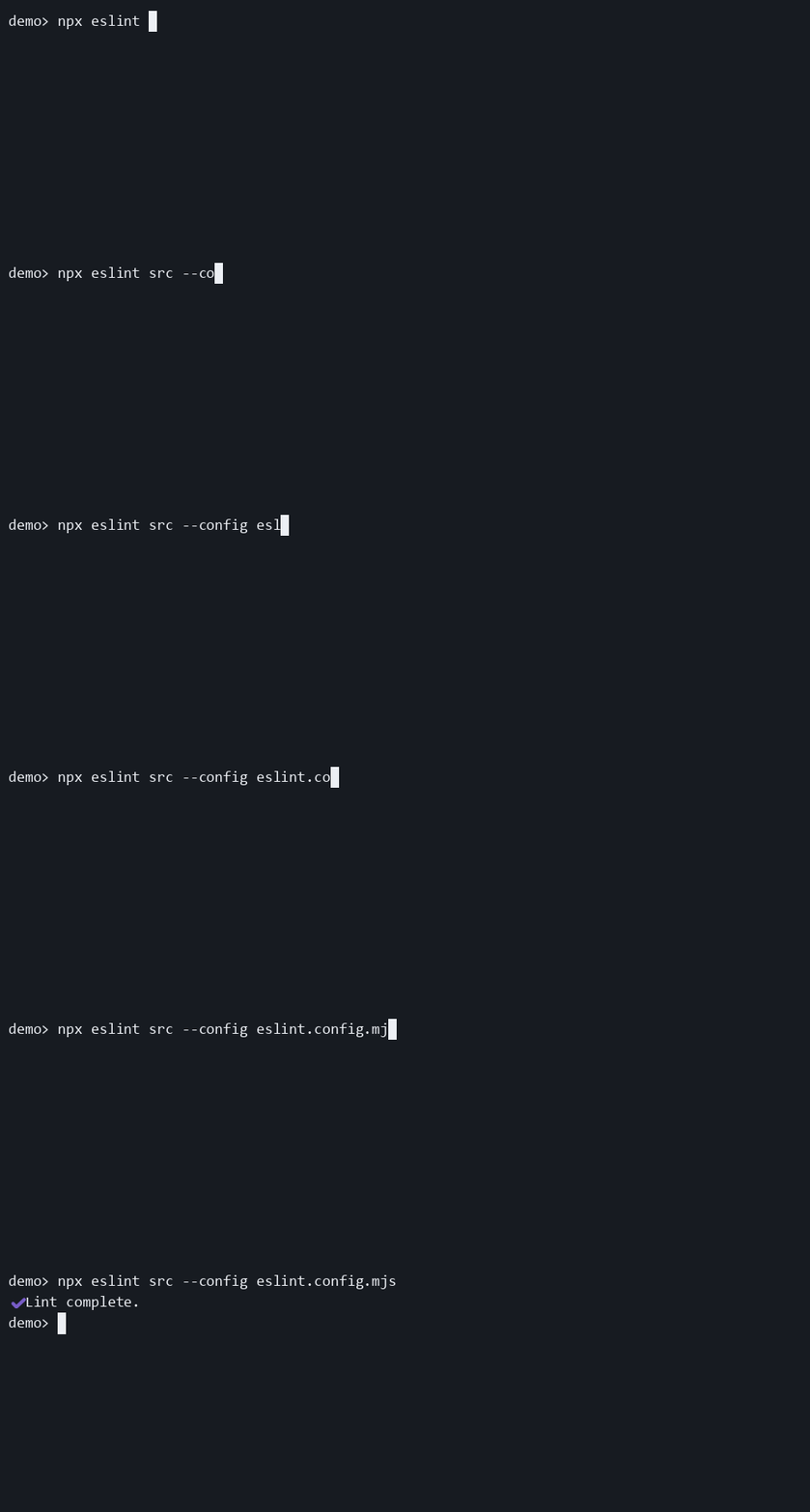
- Removes the
eslint-plugin-file-progress-2label from live output and from the summary label. - It leaves
successMark,failureMark, and the message text intact. - It also suppresses the final spinner mark that would otherwise use
prefixMark.
mode
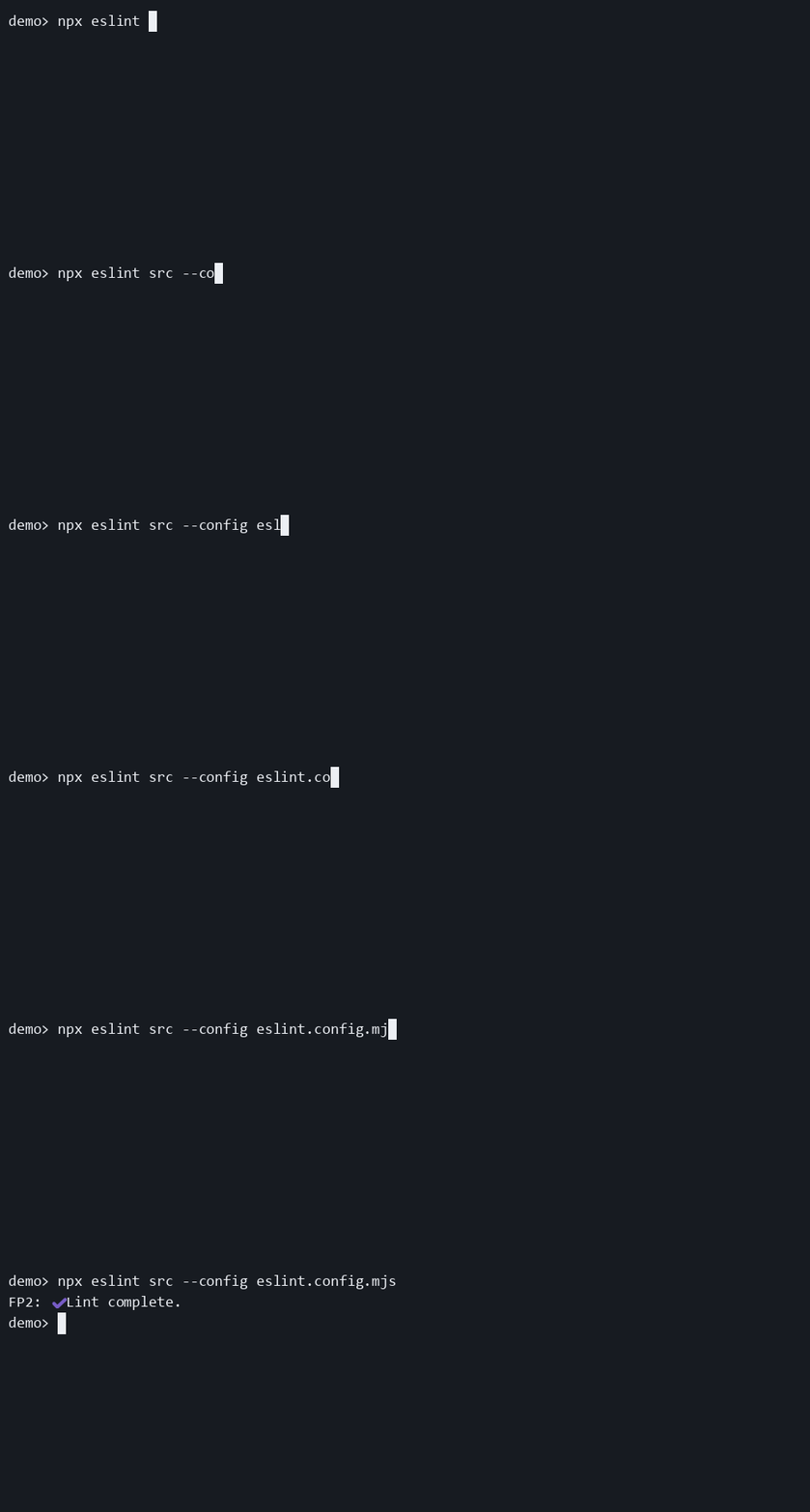
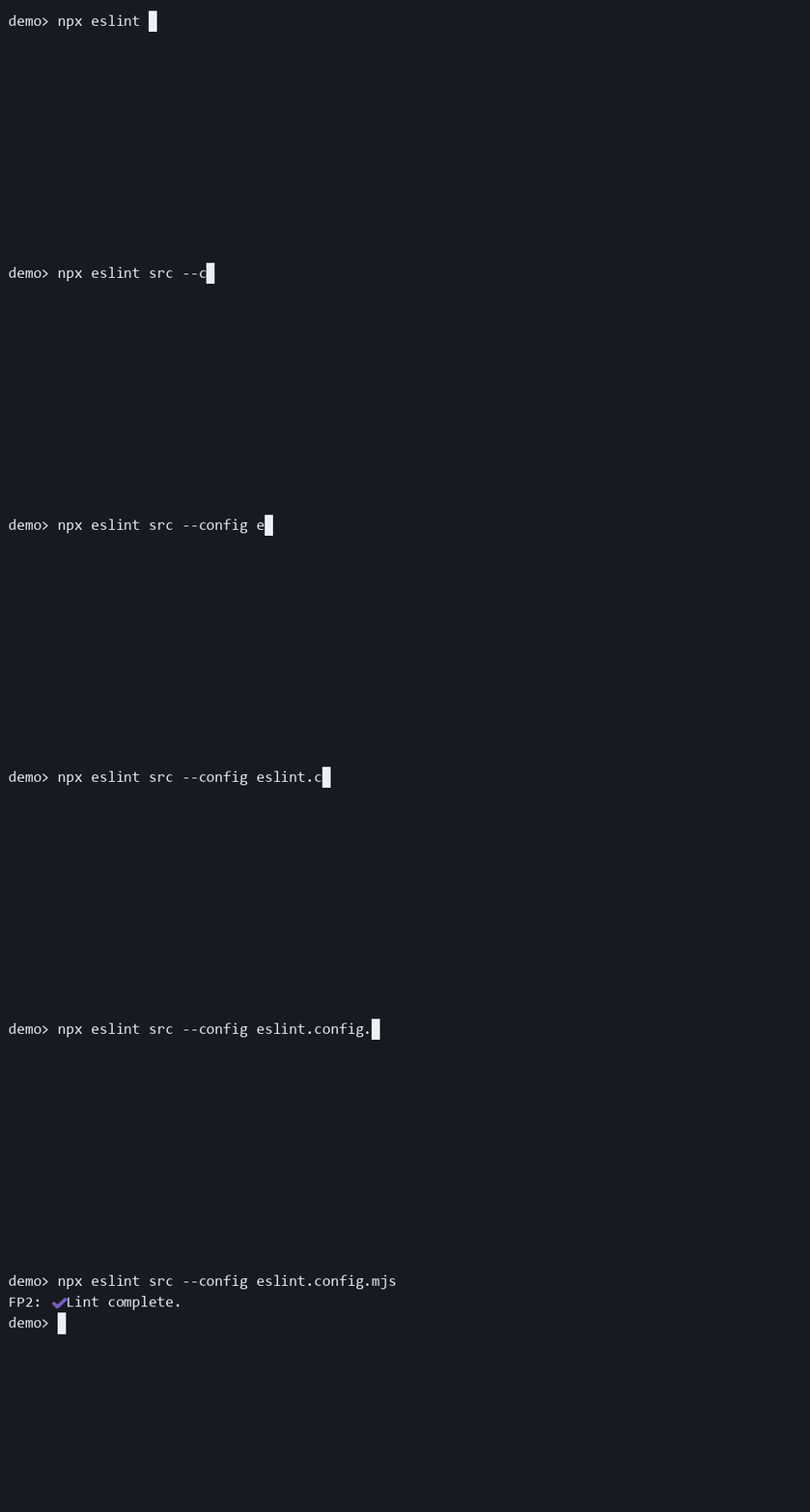
- Selects the effective live-output behavior from one canonical rule entry.
filekeeps per-file live updates,compactuses the generic spinner line, andsummary-onlysuppresses live updates and keeps only the final summary.- This is the supported way to choose between the plugin's output modes.
minFilesBeforeShow
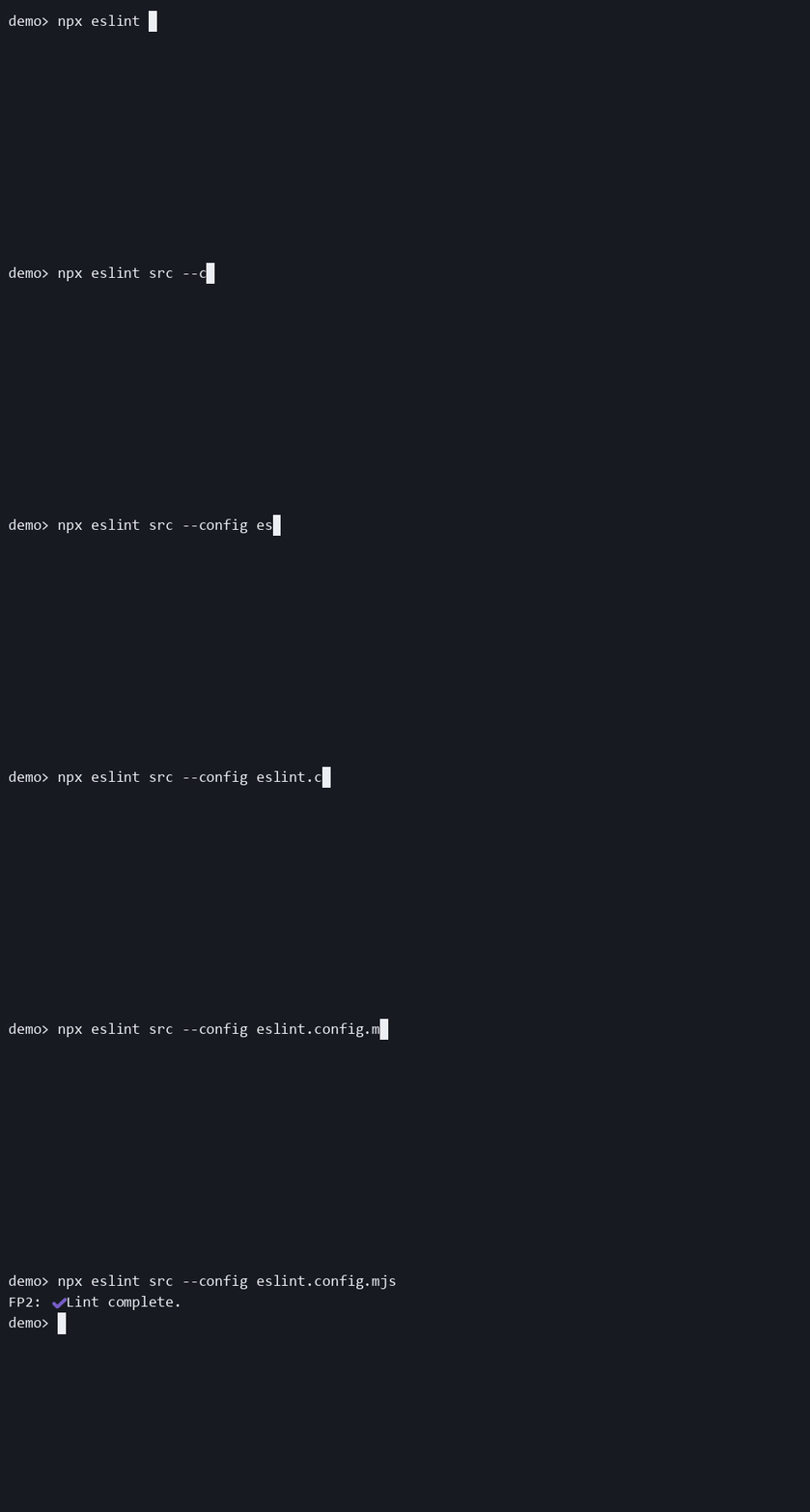
- Suppresses output until at least
Nfiles have been seen. - If the whole run finishes below that threshold, the final summary is also
hidden unless
showSummaryWhenHiddenis enabled. - This option is about run size, not lint severity. A file with errors still counts as only one file.
outputStream
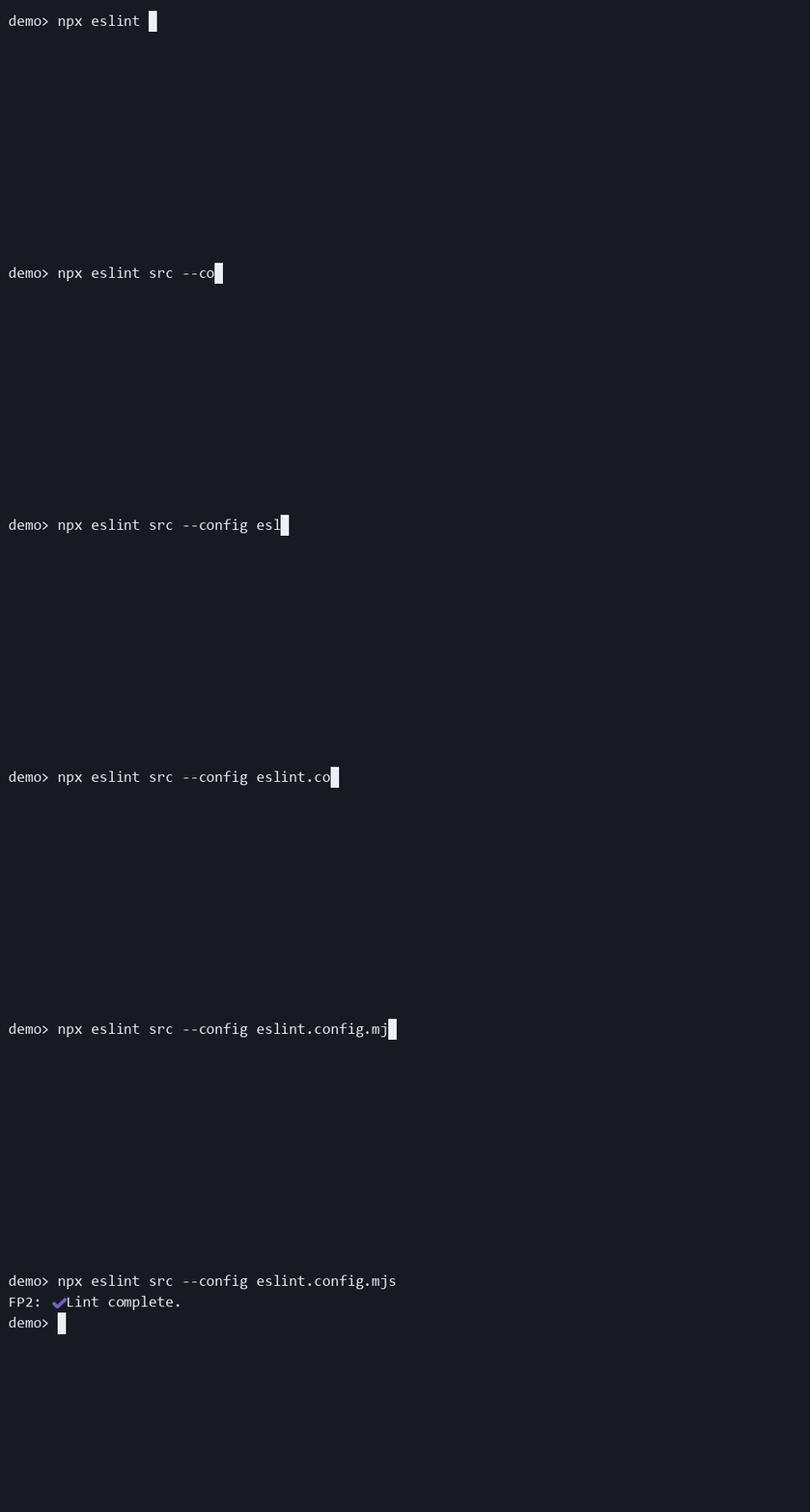
- Sends progress output to
stderr(default) orstdout. ttyOnlychecks interactivity on the chosen stream, not on both streams.- Use
stderrwhen you want to keepstdoutcleaner for piping or machine-readable output. Usestdoutonly when you explicitly want progress mixed into standard output. - Live progress frames are settled before formatter output can reuse the same terminal line. This keeps third-party formatters readable, but it means file mode can leave completed progress lines instead of behaving like a purely in-place spinner.
pathFormat
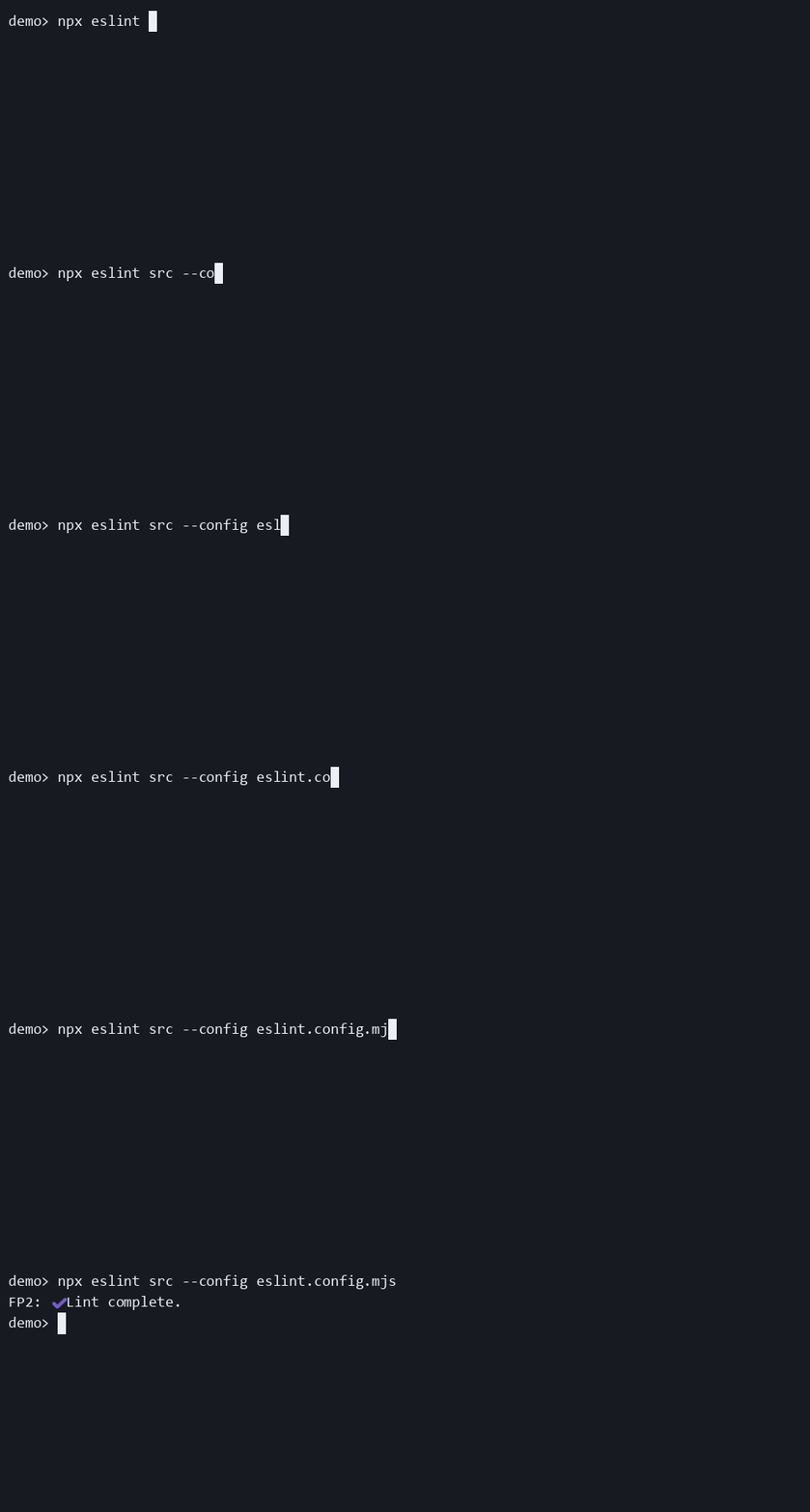
relativeshows the path relative to ESLint's current working directory.basenamestrips directory segments and shows only the file name.- It has no visible effect when file names are hidden, because there is no path left to format.
prefixMark
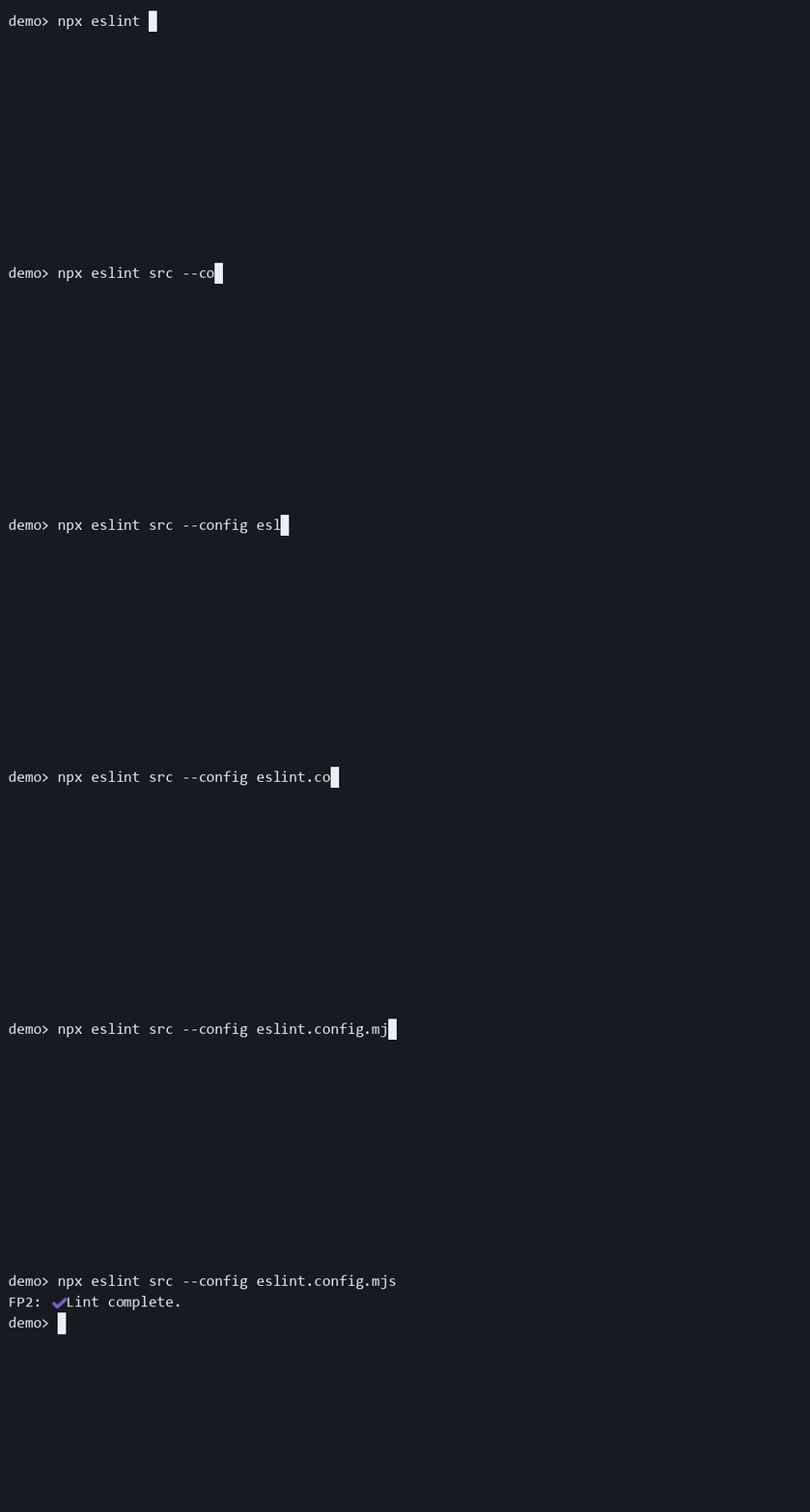
- Changes the small marker used in the live prefix when the plugin label is visible.
- The same value is passed to the final spinner renderer when the prefix is not hidden.
- It does not replace
successMarkorfailureMark, which live inside the summary text itself.
showSummaryWhenHidden
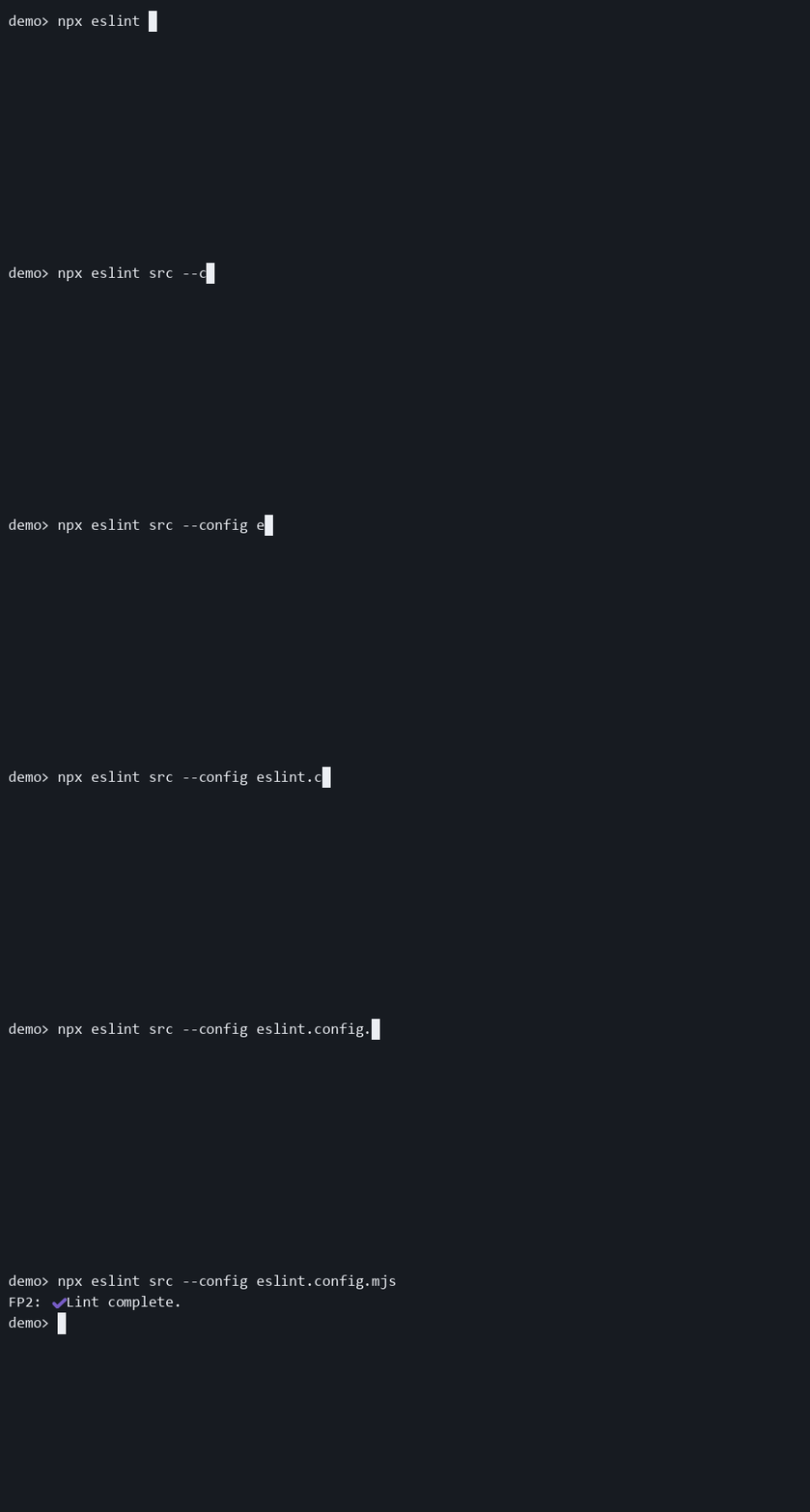
- Allows the final summary to print even when live output is hidden by
hide,ttyOnly, orminFilesBeforeShow. - It never re-enables live updates. It only affects the end-of-run summary.
- This is the most useful companion option for CI and non-TTY workflows.
spinnerStyle
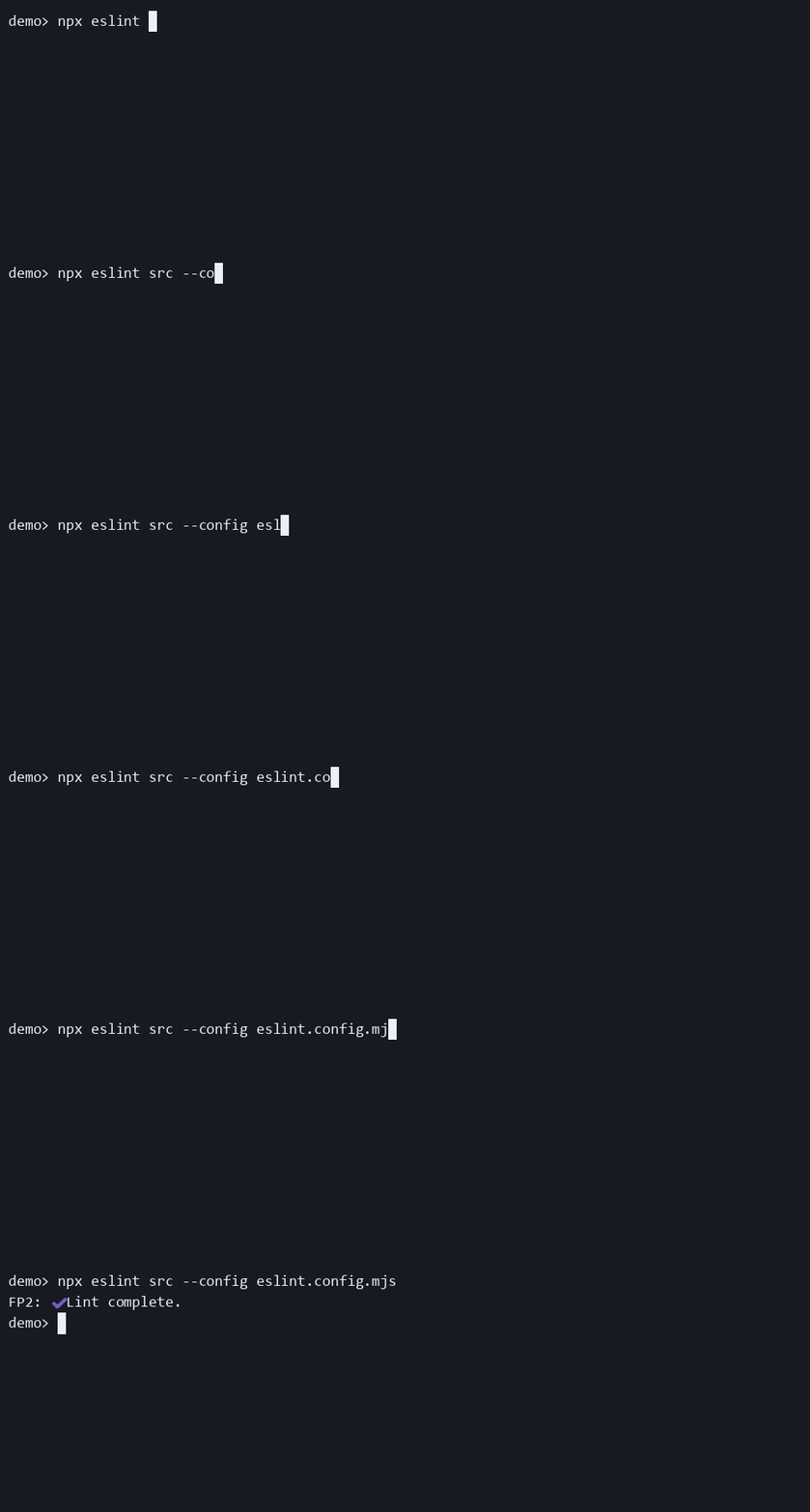
- Chooses the live animation frames.
- It only affects live output. It has no visible effect in
summary-onlymode or in fully hidden runs. - Available values are
arc,bounce,clock,dots, andline.
successMark
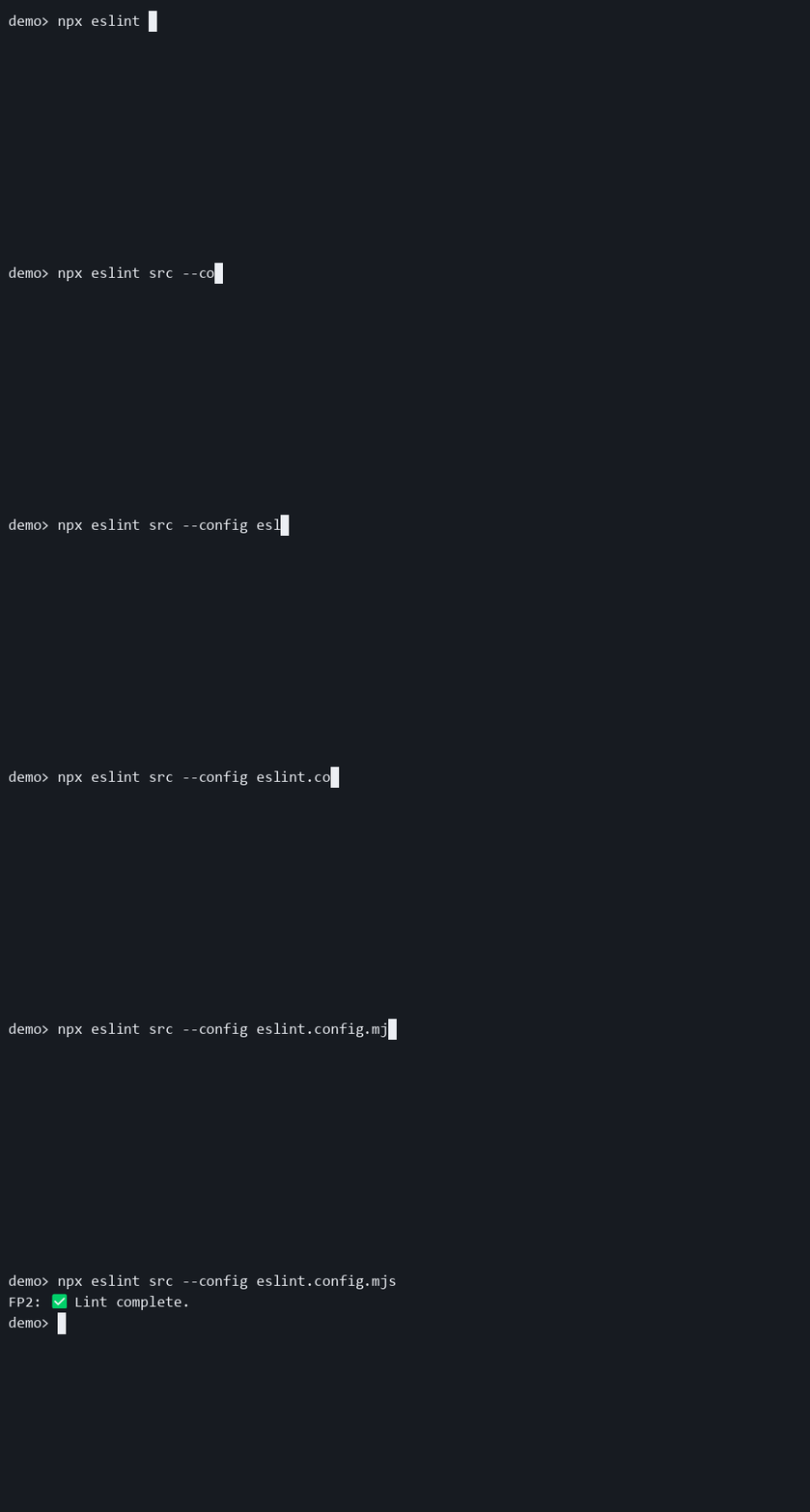
- Changes the symbol inside the success summary text.
- It does not affect failure output or live spinner frames.
- This is most noticeable when
hidePrefixordetailedSuccessmakes the summary itself more prominent.
successMessage
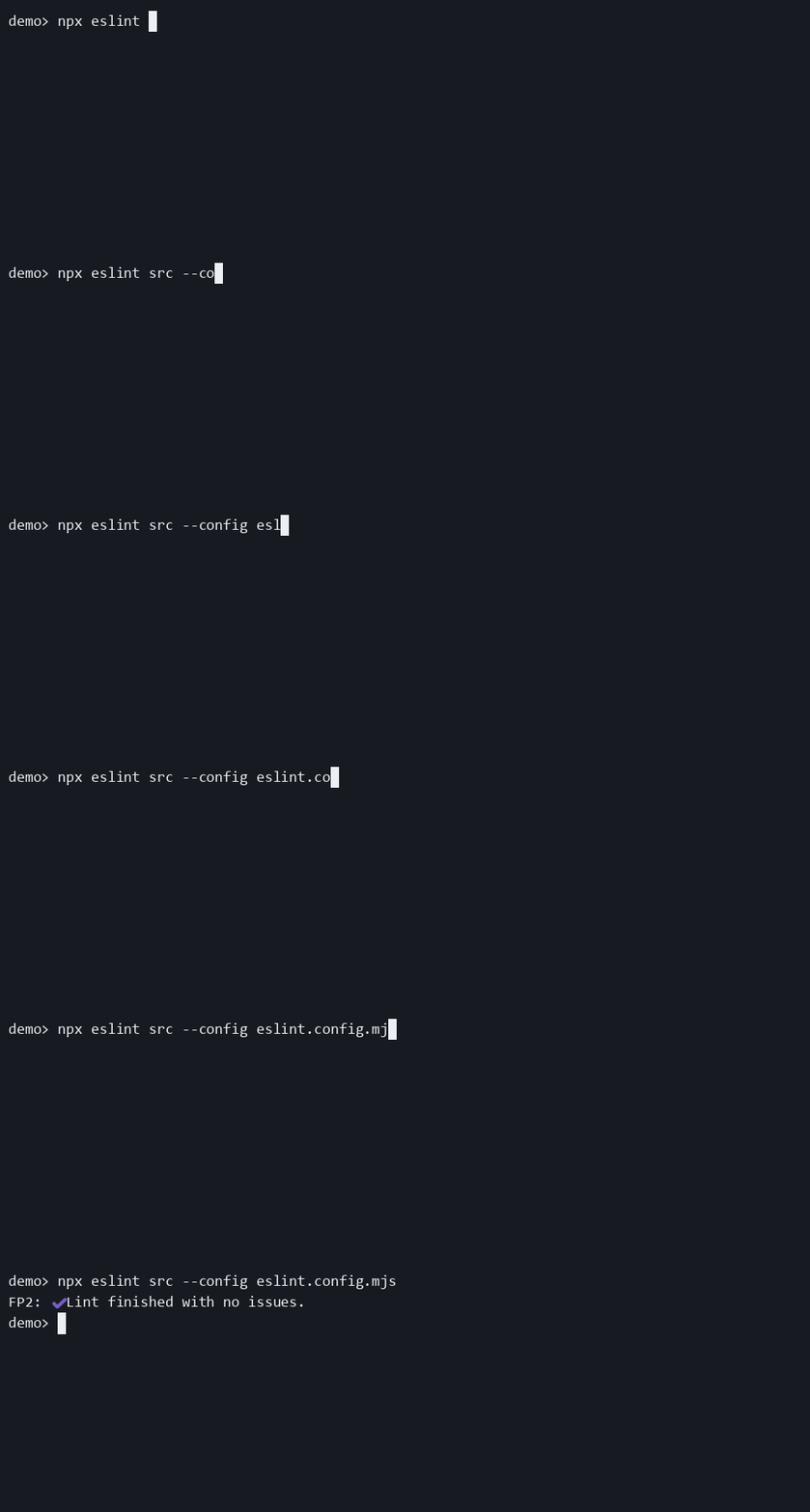
- Changes the success text after
successMark. - Blank strings are trimmed and fall back to
Lint complete.. - It does not affect failure summaries.
throttleMs
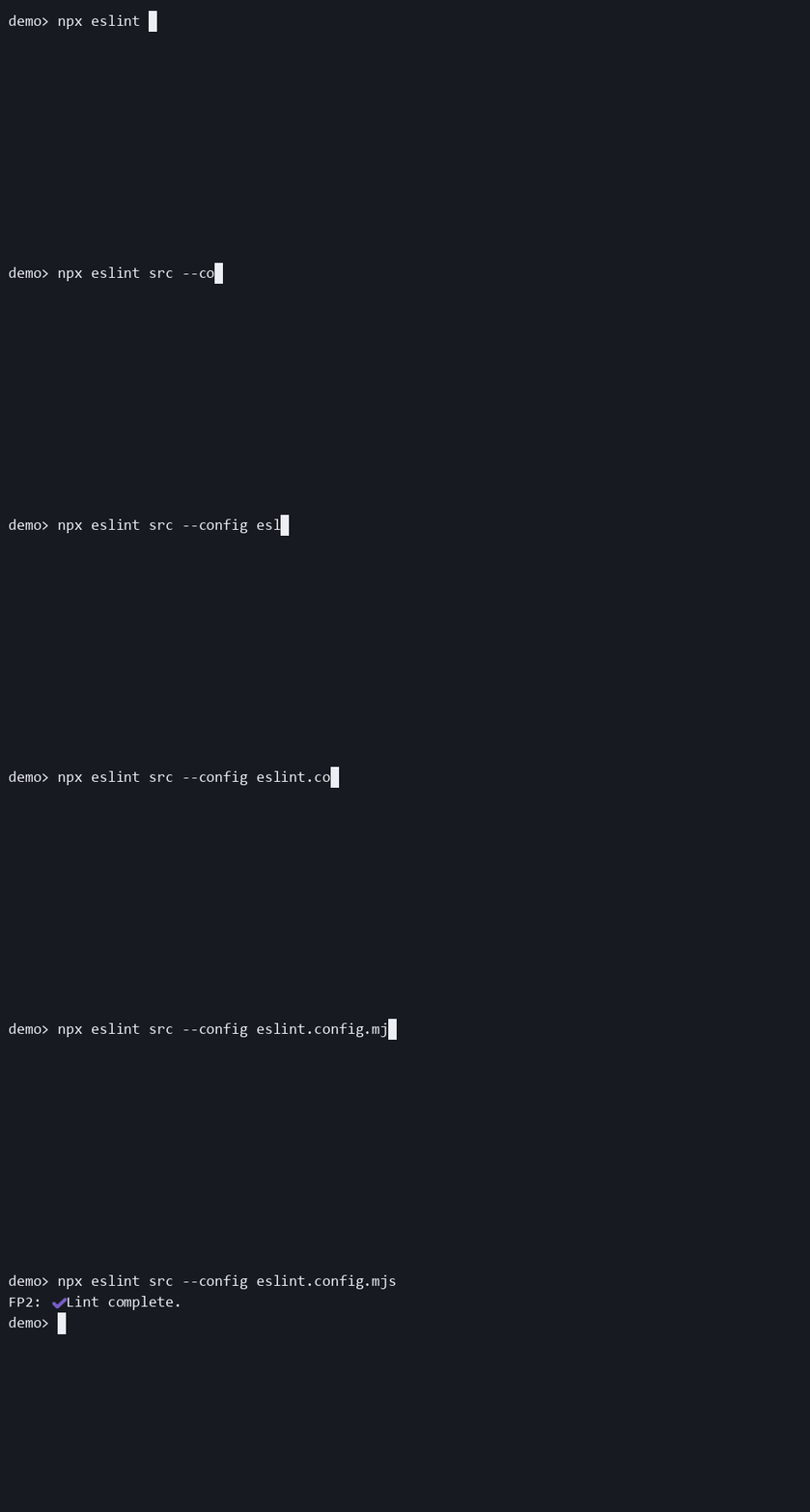
- Rate-limits how often the current file path is repainted after the first live update.
- It only matters in file-specific live mode. Generic progress mode has no file path to repaint on each file.
- This is useful on large repos where per-file repainting feels noisy or causes too much terminal churn.
ttyOnly
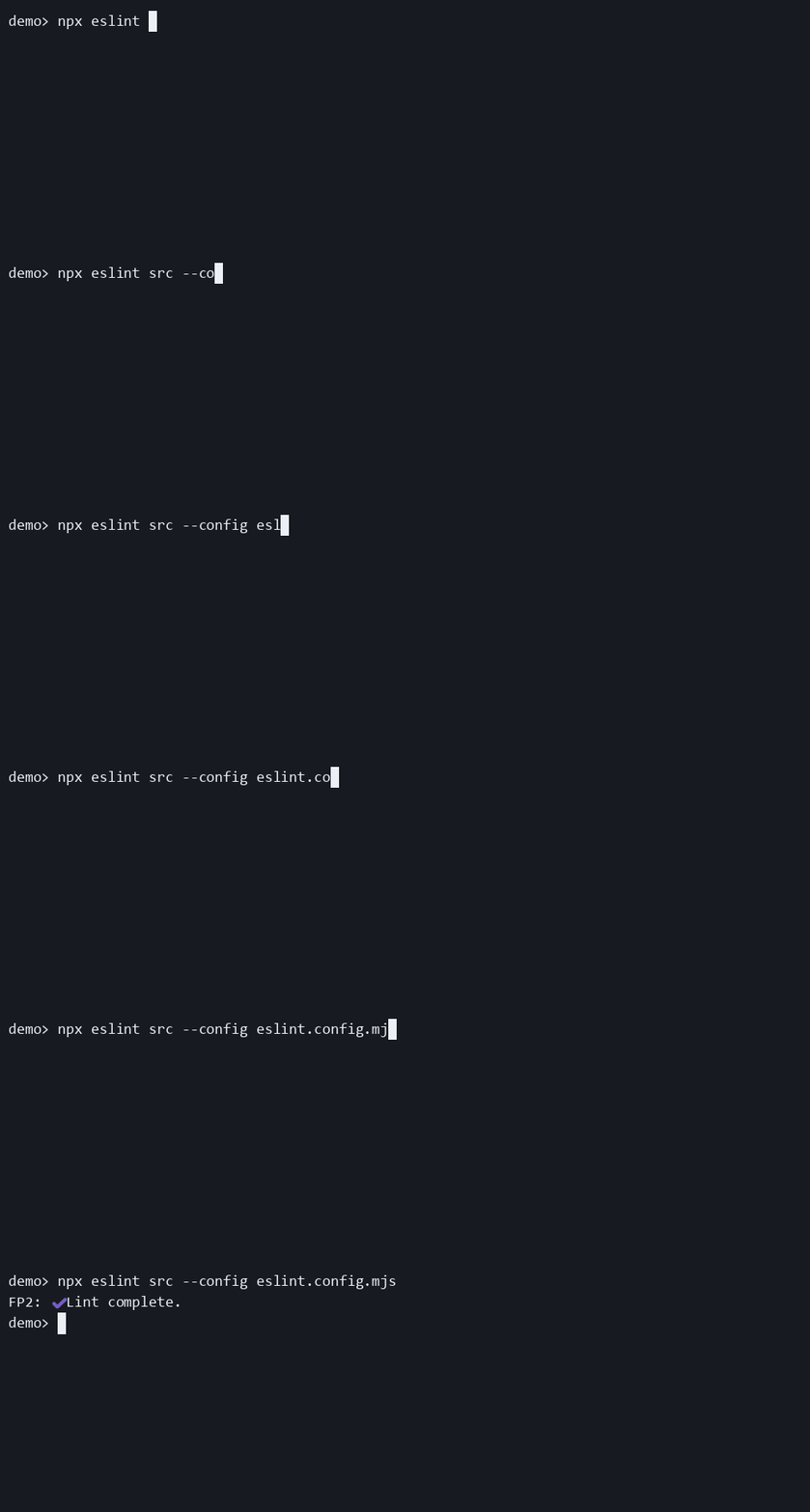
- Suppresses output when the selected
outputStreamis not interactive. - With the default
outputStream: "stderr", piping onlystdoutdoes not hide progress ifstderris still attached to a terminal. - Combine it with
showSummaryWhenHidden: truewhen you want non-interactive runs to stay quiet until the final summary.
Additional behavior notes
- Prefer rule options over
settings.progressin all new configs. - If you want generic live output without per-file paths, prefer
mode: "compact"overhideFileName: truebecause it communicates intent directly. - If you only want the final summary, prefer
mode: "summary-only"over combininghide,showSummaryWhenHidden, and other heavy overrides. outputStream,ttyOnly,hide,minFilesBeforeShow, andshowSummaryWhenHiddenare the options that most strongly change whether the plugin is visible at all.
Download option demo casts
Additional examples
✅ Correct — basename-only paths
import progress from "eslint-plugin-file-progress-2";

export default [
 {
  plugins: {
   "file-progress": progress,
  },
  rules: {
   "file-progress/activate": [
    "warn",
    {
     pathFormat: "basename",
    },
   ],
  },
 },
];
✅ Correct — keep the final summary when live output is hidden
import progress from "eslint-plugin-file-progress-2";

export default [
 {
  plugins: {
   "file-progress": progress,
  },
  rules: {
   "file-progress/activate": [
    "warn",
    {
     hide: true,
     showSummaryWhenHidden: true,
    },
   ],
  },
 },
];
✅ Correct — keep stdout cleaner and still show a final summary off-TTY
import progress from "eslint-plugin-file-progress-2";

export default [
 {
  plugins: {
   "file-progress": progress,
  },
  rules: {
   "file-progress/activate": [
    "warn",
    {
     outputStream: "stderr",
     showSummaryWhenHidden: true,
     ttyOnly: true,
    },
   ],
  },
 },
];
✅ Correct — generic live output without switching rules yet
import progress from "eslint-plugin-file-progress-2";

export default [
 {
  plugins: {
   "file-progress": progress,
  },
  rules: {
   "file-progress/activate": [
    "warn",
    {
     hideFileName: true,
     prefixMark: "→",
    },
   ],
  },
 },
];
ESLint flat config example
import progress from "eslint-plugin-file-progress-2";

export default [
 {
  plugins: {
   "file-progress": progress,
  },
  rules: {
   "file-progress/activate": [
    "warn",
    {
     detailedSuccess: true,
     outputStream: "stderr",
     throttleMs: 100,
     ttyOnly: true,
    },
   ],
  },
 },
];
When not to use it
Do not use this rule if:
- editor integrations share the same config and should never show live progress
Package documentation
This rule is part of the eslint-plugin-file-progress-2 package.
Rule catalog ID: R001